Mobile First Emergency Dispatch Protocol for 2–30 Truck Shops
Mobile first playbook for 2–30 truck plumbing, HVAC, and electrical shops. Use a three question triage, safety checks, scripts, and software rules to send...

Mobile First Emergency Dispatch Protocol for 2–30 Truck Shops

An emergency dispatch protocol has one job: get the right technician to the right job fast enough to stop damage, without wrecking the rest of your schedule. That means a triage script that takes under a minute, a skill filter that blocks the wrong tech from rolling, and a safety check before anyone drives off. Scripts and a few software rules make all three repeatable, call after call.
TL;DR:
- Proper triage should be completed within a minute using a three-question script focused on active failure, hazard isolation, and immediate safety risk.
- Dispatch decisions must weigh safety, likelihood of customer booking, technician availability, and parts inventory rather than proximity alone.
- Safety checks, including lockout/tagout procedures and second-person requirements for energized electrical work, are essential before dispatching technicians.
- After-hours calls require clear protocols for contact, escalation, and safety information transfer, with consistent use of scripted communication.
- Dispatch software must enforce skill-based routing, real-time location tracking, offline capabilities, and integrated customer communication to support protocol adherence.
Table of Contents
- Standardized call intake: the three-question triage
- Urgency is a spectrum, not a switch
- Safety checks before you dispatch
- Who answers after hours and how overflow gets handled
- Dispatch technology that supports the protocol
- A checklist and scripts you can copy today
- Building the protocol from the shop floor
- How to get started with a mobile-first dispatch flow
- Quick links to standards and industry guidance
- Sources
- FAQ
Standardized call intake: the three-question triage
A dispatcher or CSR who has to think through every call from scratch will guess wrong under pressure. A fixed script fixes that. Standardized emergency triage built around three consistent questions keeps intake under a minute and produces the same classification no matter who answers the phone.
- Is the equipment actively failing or causing damage right now, or has it already stopped?
- Can the customer isolate or stop the hazard themselves (shutoff valve, breaker, gas valve)?
- Is there an immediate risk to people or property in the next few hours?
Layer trade-specific follow-ups on top of those three. For plumbing, ask where the leak is and whether water is reaching electrical panels or flooring. For HVAC, ask about outdoor temperature extremes and whether anyone in the home has a medical condition tied to heat or cold. For electrical, ask whether there is visible smoke, burning smell, or exposed wiring, and whether the breaker will hold if reset.
Write the answers into your CRM or dispatch notes in the same three fields every time. A CSR five calls into a shift under load will skip a question unless the form forces it, and a skipped question is how a plumber ends up standing in front of a live electrical panel.

Pro Tip: Keep the script taped next to the phone, not buried in a software tab. Under pressure, people read paper faster than they click through screens.
Urgency is a spectrum, not a switch
Not every call that says “emergency” deserves a truck in the next hour. Treating urgency as a spectrum rather than a binary label protects your schedule and still gets true emergencies out the door immediately.
-
True emergency: active water damage, no heat during a freeze with vulnerable occupants, exposed live wiring. Dispatch same day, often within the hour.
-
Urgent but stable: a leak the customer has isolated, an AC out in mild weather, a breaker that trips but resets. Dispatch within 24 to 48 hours.
-
Routine: anything the customer can live with for a scheduled visit, no active damage or safety exposure.
The decision rule should weigh four things together: safety exposure, how likely the caller is to actually book and pay once a tech shows up, whether a qualified tech is free, and whether the truck has the right parts. Route by proximity plus a hard skill filter, never proximity alone. Sending the closest available body instead of the closest qualified one is how a callback and a customer complaint follow the first visit.
Safety checks before you dispatch
Before a tech leaves the shop, intake needs to flag anything that touches hazardous energy. OSHA’s lockout/tagout standard (29 CFR 1910.147) requires documented energy control procedures and training whenever a job involves servicing equipment that could unexpectedly energize or release stored energy. That applies directly to HVAC compressors, electrical panels, and any equipment with a disconnect that a customer might try to bypass.
- Ask on intake whether the equipment is currently powered and whether the customer has attempted any repair themselves.
- Confirm whether the panel or disconnect is accessible and labeled before the tech arrives.
- Require photos of the panel or unit when the customer can safely send them.
- Brief the tech on PPE requirements and isolation status before they leave the shop, not on arrival.
Recent NFPA 70E updates introduce a two-person requirement for certain justified energized electrical work, which changes staffing math for small shops that used to send a lone electrician on emergency calls. NFPA 70E’s 2027 edition means dispatch protocols now need a rule for when a second trained person has to ride along, not just who is closest.
Who answers after hours and how overflow gets handled
After-hours coverage usually runs one of three ways: an in-house rotation among techs, a trained answering service that follows your script, or an AI virtual assistant that handles intake and confirms bookings before a human ever calls back. Whichever model you use, the escalation chain has to be explicit.
- Define who gets the call first, who gets it if that person doesn’t answer within a set number of minutes, and who has final authority to approve a night dispatch.
- Pass the tech everything collected at intake: photos, access instructions, and the safety notes from the triage script, not just an address and a callback number.
- Set clear compensation rules for night and weekend emergency calls so techs don’t hesitate to pick up.
- Apply the same two-person rule after hours as during the day when the job involves energized electrical work.
Pro Tip: If you use an answering service, sit in on their calls once a quarter. Scripts drift, and you’ll only catch it by listening.
Dispatch technology that supports the protocol
Software should enforce the protocol, not just log it after the fact. A handful of features matter more than the rest for a small multi-trade shop running emergency calls.
- Skill and certification filters that block a job from being assigned to a tech who isn’t licensed or trained for it, so proximity never overrides qualification.
- Real-time location and job status so the office knows who’s actually free, not who was free an hour ago.
- Offline sync so a tech in a basement or a rural service area without signal can still pull job notes and photos, with everything updating once connection returns.
- Integrated customer texting for arrival windows and ETA updates, which cuts the “where’s my tech” calls that clog the phone line during a busy emergency stretch.
Call and conversation notes matter too. When intake answers land in structured fields instead of a free-text scratch pad, it’s easier to spot a caller who labeled a routine repair as an emergency, and easier to catch the pattern before it becomes a habit.
Some software solutions built for plumbing, HVAC, and electrical shops offer mobile-first scheduling with offline sync, skill filters tied to each tech’s trade and certifications, customer texting for arrival updates, and trade pricebooks and calculators accessible from the job site.
A checklist and scripts you can copy today
Paste this into your phone system or CRM notes.
- Ask the three triage questions and write the answers in fixed fields, not free text.
- Check the skill filter: does an available tech hold the certification the job requires?
- Check parts and equipment: does the assigned truck actually stock what the job needs?
- Confirm safety status: powered or de-energized, isolated or not, second person required or not.
- Send the dispatch with photos, access notes, and safety flags attached.
- Arrival text: “Your MEPflow technician is en route and should arrive by [time]. Reply here with any access instructions.”
- Safety reminder text: “Before we arrive, please avoid touching the affected equipment or panel. Keep the area clear until our technician assesses it.”
Building the protocol from the shop floor
This playbook comes from people who have stood in the basement making the same triage call a dispatcher makes over the phone. Some field service software platforms are developed by tradespeople who use their own solutions in real-world settings before broader release. These platforms are mobile-first with offline sync to handle emergency calls in areas without reliable signal, ensuring protocols work even without full coverage.
— Jonathan
How to get started with a mobile-first dispatch flow
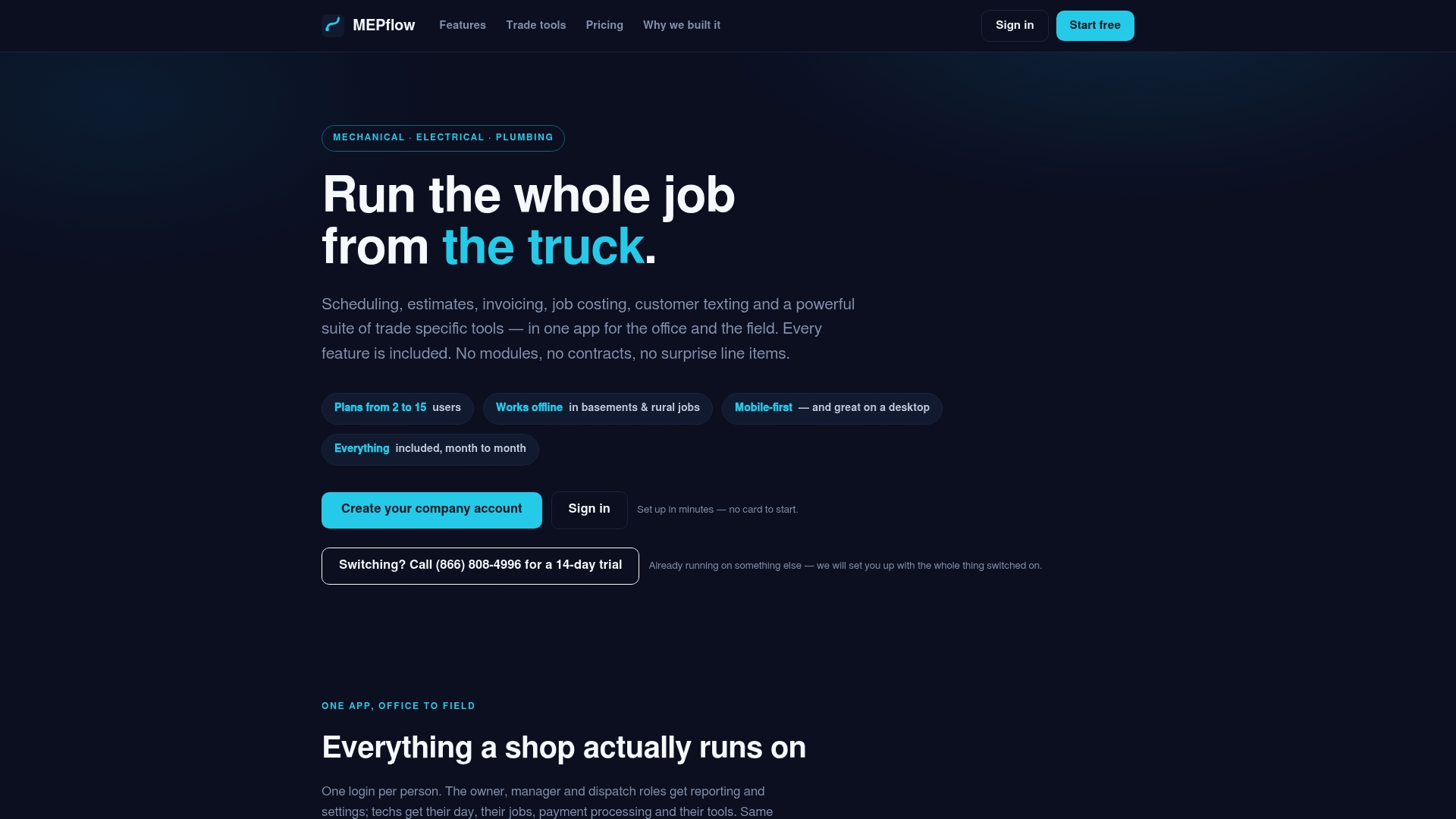
MEPflow supports every piece of this protocol: scheduling and dispatch tied to skill filters, customer texting for arrival and safety updates, offline sync for jobs without signal, and trade calculators your techs use on site.
- Import your existing customer and job contacts so nothing gets re-entered by hand.
- Paste your triage script and texting templates directly into the platform.
- Set skill tags and on-call rotations once, so routing enforces them automatically.
Pricing depends on crew size and every feature is included on every plan. Check current rates at MEPflow’s pricing page, or call 866-808-4996 to book a 14-day trial. Ready to see it on your own board? Create your company account.
Quick links to standards and industry guidance
- OSHA 1910.147: the federal lockout/tagout standard behind every energized-equipment safety check.
- NFPA 70E update: the new two-person rule for justified energized work.
- Contractor magazine’s dispatch playbook: the source for the three-question triage model.
- PM Magazine’s dispatch analysis: the case for treating urgency as a spectrum.
- ACCA’s HVAC call response guidance: the practitioner case for trained CSRs as gatekeepers.
- PHCC’s piece on digital and human triage: examples of automation handling intake while escalation stays human.
Sources
- Build an emergency call dispatch playbook before you need it
- Are “Emergency” Jobs Costing You Money? Rethinking Dispatch Decisions
- 29 CFR 1910.147 - The control of hazardous energy (lockout/tagout)
- NFPA 70E change: two-person requirement for energized work
FAQ
What is the fastest way to triage an emergency call?
Use a fixed three-question script: is the equipment actively failing, can the customer isolate the hazard, and is there an immediate safety risk. This keeps triage under a minute and consistent no matter who answers the phone.
When does lockout/tagout apply to a service call?
It applies whenever a technician will service equipment with hazardous energy that could unexpectedly turn on or release, which covers most HVAC compressors and electrical panel work. OSHA’s standard requires a documented procedure and trained personnel for that work.
Do electrical emergency calls always need two people on site?
Not always, but recent NFPA 70E updates require a second trained person for certain justified energized work. Your dispatch protocol should flag which jobs trigger that requirement before a tech leaves the shop.
How do I stop the wrong technician from getting sent to a job?
Route by skill and certification first, and treat proximity as a secondary filter, not the primary one. Software with a built-in skills filter blocks an unqualified tech from being assigned regardless of how close their truck is.
Should every emergency call get a same-day dispatch?
No. Some calls are urgent but stable, like an isolated leak or an AC failure in mild weather, and can wait 24 to 48 hours without added risk. Treating urgency as a spectrum instead of a single label protects the rest of your schedule.
Where to next
- See what MEPflow doesScheduling, estimates, dispatch, invoicing and job costing in one app.
- Create your company accountSet your shop up in a few minutes. No card to start.
- How to Reduce Field Service Scheduling TimeMore from the MEPflow blog
- Cut No Shows 25%: Text Appointment Reminders for Service ShopsMore from the MEPflow blog