Cut No Shows 25%: Text Appointment Reminders for Service Shops
Templates, timing rules, TCPA basics, and a step by step setup checklist for mobile first service shops. Use tested reminder texts to cut no shows 25%.

Cut No Shows 25%: Text Appointment Reminders for Service Shops

Yes, automated text appointment reminders reliably cut no-shows when they’re timed well, state a clear reply option, and honor opt-outs. They also free up office staff who’d otherwise spend hours on confirmation calls. Below you’ll find message templates, timing rules, compliance basics, and a short setup checklist built for small service shops.
TL;DR:
- Sending one well-timed text reminder increases attendance by about 23 percent, while a second targeted reminder can reduce no-shows by up to 11 percent for higher-risk appointments.
- Most improvements come from reminding customers who are more likely to forget, such as new clients or those with prior no-shows, rather than mass messaging everyone twice.
- Reminder texts should answer who, when, what to do, and how to opt out, with templates tailored to specific appointment types and clear reply options.
- Timing should include a confirmation message immediately after booking, a 48 to 72-hour reminder, and a final day-of or arrival window message to optimize effectiveness.
- Successful implementation requires verifying consent, cleaning contact lists, and syncing reminders with scheduling systems, especially for mobile crews operating in areas with weak signals.
Table of Contents
- What the research says about text reminders and no-shows
- Reminder text templates that get replies
- When to send reminders and how many to use
- Handling replies, opt-outs, and TCPA basics
- Setting up automated reminders step by step
- Why this matters more for trucks than offices
- Getting reminders built into your daily workflow
- FAQ
- Sources
What the research says about text reminders and no-shows
The case for text reminders isn’t a guess. A meta-analysis published in BMJ Open found that patients who received electronic text notifications were 23% more likely to show up and 25% less likely to no-show than those who got no reminder, and sending more than one reminder improved attendance even further.
A separate pragmatic randomized study at Kaiser Permanente Washington tested adding a second, targeted reminder and found it reduced no-shows by 7% for primary care visits and 11% for mental health visits. That’s a smaller lift than the broader meta-analysis, which makes sense: once a shop already sends one reminder, a second one mostly helps with higher-risk appointments rather than every job on the board.

A second targeted reminder cut no-shows modestly in the Kaiser Permanente study, suggesting the real payoff comes from reminding the customers most likely to forget, not blasting everyone twice.
What this means for a trade shop:
- One reminder beats none, and a second reminder helps more for appointments with a history of cancellations.
- Track your own no-show rate for a month before and after turning on reminders so you have a real baseline.
- Treat the data as a starting point, not a guarantee. Your trade, your customer base, and your scheduling habits will shift the exact numbers.
Reminder text templates that get replies
A reminder text works when it answers four questions fast: who’s texting, when, what to do next, and how to opt out. Skip any of those and you’ll get more “who is this?” replies than confirmations.
- Confirmation at booking: “Thanks for booking with [Business Name]! Your appointment is set for [Date] at [Time]. Reply C to confirm or call us to reschedule. Reply STOP to opt out.”
- 48 to 72 hour reminder: “Hi [First Name], this is [Business Name]. Just a reminder: your appointment is [Date] at [Time]. Reply C to confirm. STOP to opt out.”
- Day-of arrival window: “[Business Name] here. Your technician will arrive between [Start Time] and [End Time] today. Text us if you need to reschedule. STOP to opt out.”
- Estimate appointment: “Hi [First Name], [Business Name] is confirming your free estimate visit [Date] at [Time]. Reply C to confirm or call [Phone] to change. STOP to opt out.”
- Reschedule request acknowledgment: “Got it, we’re moving your appointment. Our office will text you a new time shortly. STOP to opt out.”
- Job complete follow-up: “Thanks for choosing [Business Name]! Your technician completed today’s visit. Questions about your invoice? Reply here or call [Phone].”
Keep messages under 160 characters where possible, use the business name every time, and swap “technician” for “plumber,” “electrician,” or “HVAC tech” depending on the trade. A roofing or HVAC estimate reads differently than a same-day plumbing repair, so match the tone to the urgency.
Pro Tip: Put the arrival window in the subject line of your own head, not just the message, so your office staff can answer “where’s my tech?” calls without opening the schedule.
When to send reminders and how many to use
Timing matters as much as wording. A reminder sent too early gets forgotten, and one sent too late doesn’t give the customer time to reschedule.
- Send a confirmation text within minutes of booking, while the appointment is still top of mind.
- Send a reminder 48 to 72 hours before the appointment, giving customers enough runway to reschedule without leaving you a last-minute gap.
- Send a final day-of or arrival-window text the morning of, or an hour or two before the technician heads out.
- Use a second reminder mainly for higher-risk slots: new customers, estimate appointments, or anyone with a prior no-show on file.
- Skip the second reminder for routine repeat customers with a reliable attendance history to avoid message fatigue.
A single well-timed reminder covers most of your bookings. Add the second one selectively rather than for every job, since the evidence shows targeted reminders perform better than blanket double-texting.
Handling replies, opt-outs, and TCPA basics
Two-way texting only works if replies land somewhere a person actually reads. Route “C” (confirm), “NO” (cancel), and anything else to your office inbox, not into a void.
- Route “C” replies to auto-confirm the appointment in your scheduling system.
- Route “NO” or cancellation replies to a staff member who can immediately offer a new slot.
- Treat any free-text reply (like “can we move to Friday?”) as a reschedule request and route it to the office, not back through automation.
- Honor “STOP” immediately and stop all texting to that number without exception.
- Log consent and opt-outs so you can show when and how a customer agreed to texting.
- Test your opt-out flow monthly by texting STOP from a test phone and confirming it actually stops messages.
On the compliance side, the FCC’s SoundBite ruling allows a one-time confirmation text after someone replies STOP, as long as it only confirms the opt-out, contains no marketing, and goes out promptly. More recent FCC guidance in docket DA-25-312 reinforces that businesses must honor revocations quickly and follow mandatory blocking procedures for unwanted texts. A one-time opt-out confirmation, sent within minutes and free of any promotional content, fits squarely within FCC guidance, which makes it worth building into your workflow from day one rather than bolting it on later.
Setting up automated reminders step by step
Getting reminders running doesn’t take a rebuild of your whole office process, but skipping steps here is where shops get burned by bad data or missed opt-outs.
- Collect and verify phone numbers at booking, and confirm you have consent to text, not just call.
- Clean up your contact list so old or disconnected numbers don’t bounce messages and hurt delivery rates.
- Map each appointment type (estimate, service call, follow-up) to its own template so the wording matches the job.
- Choose your integration path: a field-service platform with built-in texting tied to your schedule, or a standalone SMS API you wire up yourself.
- Sync reminders to your actual calendar and dispatch board so a rescheduled job updates the reminder automatically.
- Set timing rules (confirmation, 48 to 72 hour reminder, day-of window) and route replies to a monitored inbox.
- Test the full flow, including opt-out, on a few real phone numbers before rolling it out shop-wide.
- Monitor delivery rates and no-show rates monthly to confirm the system is actually helping.
Pro Tip: Run reminders in parallel with your current process for one week before fully switching over, so you can catch missed syncs or bad templates before they affect a real customer.
Why this matters more for trucks than offices
Office software built for desks doesn’t always fit a crew working out of trucks with spotty signal in basements or rural job sites. Reminders tied to a mobile-first system that syncs when a phone reconnects keep the schedule accurate without someone chasing updates by hand. Two-way replies only save time if they land in an inbox your office actually watches, not a separate app nobody checks. Done right, reminders aren’t just about fewer no-shows. They cut down on confused customers calling to ask where the technician is.
— Jonathan
Getting reminders built into your daily workflow
We built our platform around the same problem this article covers: getting a reminder out without adding another app to check. Our platform ties customer texting directly to the job schedule, so a confirmation or arrival-window message goes out automatically when a job is booked or updated, with replies landing in the same place your office already manages dispatch.
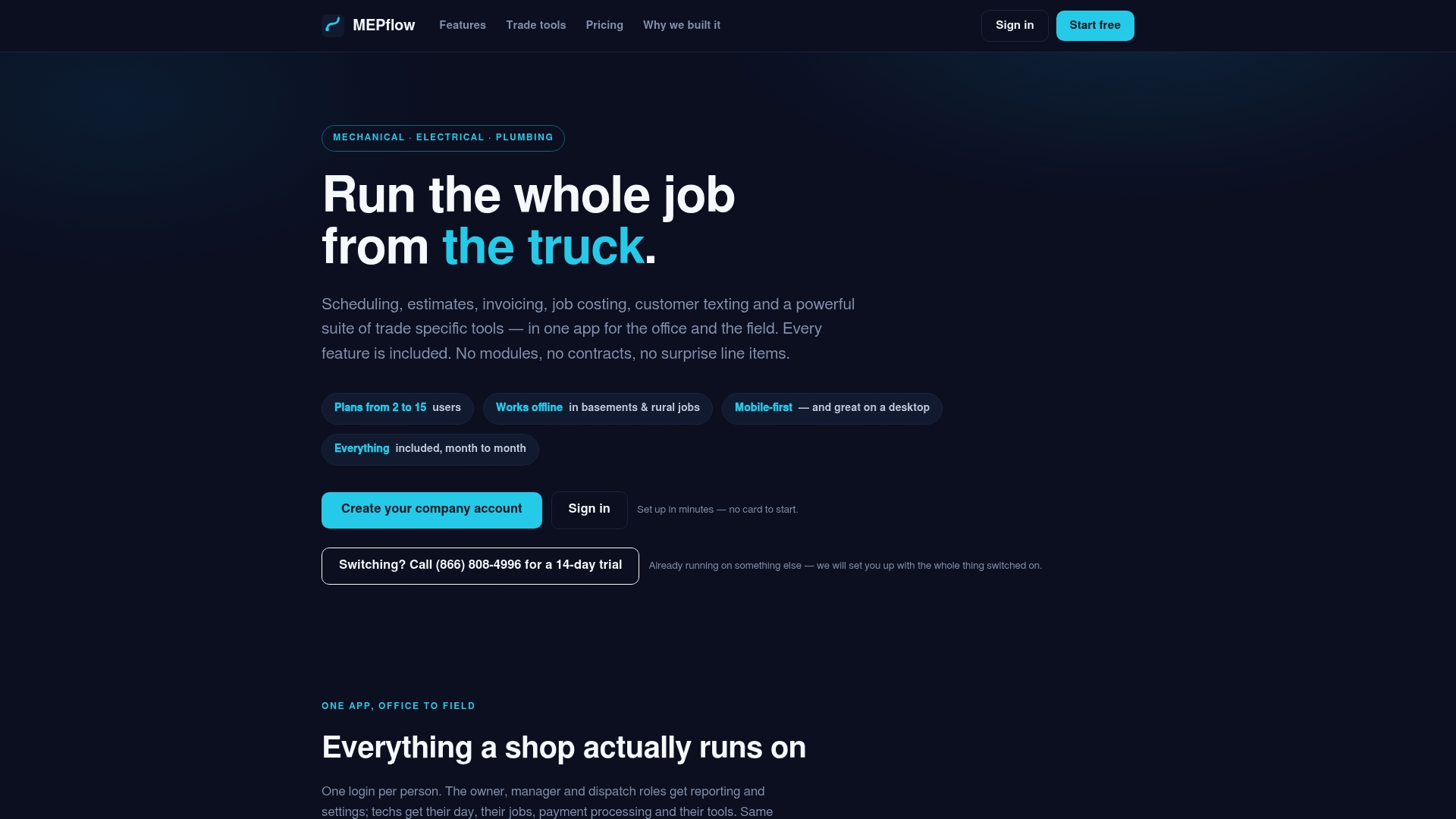
Because our software is mobile-first and works offline, a tech’s schedule and job notes stay in sync even when a job site has no signal, and everything catches up once the connection returns. If you want to see how reminders, scheduling, and two-way texting work together in one place, create your company account and test a few templates against your own appointment types. For plan details, visit our pricing page.
FAQ
How do you write a reminder text for an appointment?
A good reminder text names your business, states the date and time clearly, and gives the customer a simple way to respond, like replying “C” to confirm. End with a STOP option so the message meets opt-out requirements and doesn’t read as spam.
Where can I get free text reminders for appointments?
Some scheduling tools include a limited number of free text messages or a capped free tier, though most charge once you pass a small volume of customers. Compare a few field-service or scheduling platforms directly, since free limits and included features vary by provider.
Are text appointment reminders HIPAA compliant?
Reminder texts can be HIPAA compliant if they avoid specific health details and the provider has a business associate agreement with their texting platform, but general appointment reminders without clinical information carry lower risk. For a non-medical service business like a plumbing or HVAC shop, HIPAA rules typically don’t apply, though FCC/TCPA opt-out rules still do.
What is a good reminder text?
A good reminder text is short, states the appointment time clearly, and gives a clear next step, like confirming or rescheduling. Research shows that text reminders improve attendance by around 23% compared to no reminder at all, so even a simple message outperforms relying on memory.
Sources
- Using digital notifications to improve attendance in clinic: systematic review and meta-analysis | BMJ Open
- Pragmatic randomized study of targeted text message reminders to reduce missed clinic visits
- In the Matter of Rules and Regulations Implementing the Telephone Consumer Protection Act of 1991 SoundBite Communications, Inc. Petition for Expedited Declaratory Ruling
- Federal Communications Commission DA 25-312
Where to next
- See what MEPflow doesScheduling, estimates, dispatch, invoicing and job costing in one app.
- Create your company accountSet your shop up in a few minutes. No card to start.
- How to Reduce Field Service Scheduling TimeMore from the MEPflow blog
- Simple Job Costing Software for PlumbersMore from the MEPflow blog