Estimate Templates That Stop Rekeying for 2–30 Truck Shops
Spreadsheet first estimate templates paired with a one page Basis of Estimate for 2–30 truck shops. Stop rekeying, log dated quotes, and avoid disputes.

Estimate Templates That Stop Rekeying for 2–30 Truck Shops

Start with an editable spreadsheet template and a one-page Basis of Estimate. That combination gives you an auditable, updateable contractor estimate that clients can accept and you can defend later if a job runs long or a supplier price shifts. Spreadsheets keep your math linked to your takeoff, and the Basis of Estimate records why the numbers are what they are. Download a template that matches the job type, then set today’s pricing date before you enter a single line.
TL;DR:
- Always include a clear pricing effective date, expiration date, and source notes for every quote to prevent disputes over outdated or unverified numbers.
- Use spreadsheet templates with editable formulas and detailed line-item fields, including description, quantity, unit cost, labor, subcontractor costs, and notes, for accurate and defendable estimates.
- Collect current quotes with documented sources, and build direct costs before adding overhead, profit, and contingency to ensure transparency and accuracy.
- For quick field estimates, use simple templates for rapid quotes, reserving detailed Basis of Estimate templates for scheduled bids or complex projects.
- Consider contractor estimating software that automates trade-based calculations, attaches photos and quotes, and syncs directly with job costing to reduce manual errors.
Table of Contents
- Template types and file formats worth downloading first
- The fields your estimate template can’t skip
- A step-by-step estimating workflow that keeps templates honest
- Choosing between Excel, Google Sheets, Word, and PDF
- Picking the right template and adapting it fast
- Why a Basis of Estimate matters more than the template itself
- Common mistakes that undercut an otherwise good template
- Building taxes, permits, and insurance into the number
- Communicating an estimate so it doesn’t turn into a dispute
- Binding versus non-binding: what your estimate actually promises
- Fitting templates into a real shop’s daily grind
- A faster path from spreadsheet to synced estimate
- Primary sources used in this guide
- Sources
- FAQ
Template types and file formats worth downloading first
Not every job needs the same paperwork. A simple estimate template works for a single-trade repair or small remodel: one page, itemized costs, a total, and signature lines. Residential and remodeling templates add rooms or phases as subtotals, since homeowners want to see where the money goes. Commercial and general contractor templates need more structure: cost codes, multiple subcontractor lines, and a summary tab that rolls phase totals into one bid. Roofing, painting, and electrical templates tend to be trade-specific versions of the same skeleton, with unit-based line items (squares, linear feet, fixtures) swapped in for the trade.
Format matters as much as layout.
- Excel and Google Sheets hold live formulas, so a change to quantity or unit cost recalculates the extended total automatically, and both let you add a hidden backup tab for quotes and notes.
- Word and PDF versions look cleaner for a client-facing proposal but don’t recalculate, so they work best as the final output, not the working file.
- Contractor bid sheets in spreadsheet form are useful when you’re comparing multiple subcontractor quotes side by side before you commit to a number.
Before you trust any downloaded template, check that the formula cells aren’t locked or hidden behind a password, confirm the file is a real spreadsheet and not an image pasted into a sheet, and scan for embedded macros if it came from an unfamiliar site. A template you can’t edit or verify is a liability, not a shortcut.
The fields your estimate template can’t skip
A template is only as good as the fields it forces you to fill in. At minimum, the cover section needs a project name, an estimate number, the pricing effective date, an expiration date for the quote, and a signature or approval line for both parties. Skipping the effective date is one of the most common reasons estimates get disputed later when material costs have moved.
The line-item section needs more detail than most free downloads include by default:
- Description of the work or material, specific enough that nobody has to guess what it covers.
- Quantity and unit (linear feet, square feet, each, hours) tied to your takeoff.
- Unit cost for materials, equipment, and labor, kept separate rather than blended.
- Labor hours and labor cost, so you can check productivity assumptions later.
- Subcontractor or equipment cost, listed on its own line rather than folded into materials.
- Markup category and extended total, so the client sees how the line rolls up.
Beyond the line items, add overhead, profit, and a contingency line labeled clearly as contingency, not buried inside markup. Include allowances for items not yet selected, a short exclusions list so scope creep has a paper trail, and bond or insurance costs when the job calls for them. The AACE International recommended practice for estimate templates specifically calls for separate columns for description, quantity, unit, unit cost, labor cost, subcontractor or equipment cost, markup category, extended total, and a notes or source column for quotes and assumptions.
That last column is where most templates fall short. A one or two-sentence Basis of Estimate narrative, plus a note on where each major price came from, turns a spreadsheet into a record you can actually defend.
Pro Tip: Keep a “source” note next to every subcontractor or material quote, even if it’s just a supplier name and a date. It saves an argument six weeks later.
A step-by-step estimating workflow that keeps templates honest
A template fills in numbers. A workflow makes sure they’re the right numbers, in the right order, backed by something real. The Smithsonian facilities estimating requirements outline a sequence worth following on any job over a quick service call.
- Define scope first. Walk the site, take photos, collect drawings or notes before you open the spreadsheet.
- Do the quantity takeoff. Measure or count what the job actually requires, and record where each quantity came from (drawing, field measurement, manufacturer spec).
- Collect dated quotes. Get current prices from suppliers and subcontractors, and log the date each quote was given.
- Build direct costs first. Enter labor, materials, equipment, and subcontractor costs before touching markup.
- Add indirects and a separately labeled contingency. Overhead and profit go in as their own lines, and contingency gets its own row rather than a blended percentage.
- Review for arithmetic and completeness. Check that every scope item has a line, every line extends correctly, and nothing got left off.
- Issue with an expiration date, and reissue a new version if scope, schedule, or pricing changes before the client signs.
Skipping straight from takeoff to a final number, without a review pass, is how small errors turn into disputed invoices.
Choosing between Excel, Google Sheets, Word, and PDF
The right format depends on what the estimate needs to do at that moment. A spreadsheet is your working document. A Word or PDF file is what the client actually sees.
- Excel suits office-based estimating where you want formula protection and full control over the file, especially for takeoffs with many line items.
- Google Sheets is better when a crew needs to view or update a quote from a phone or tablet in the field, since it syncs without a shared drive.
- Word or PDF is the right export for the final client proposal: clean, uneditable, and easy to sign, while the spreadsheet backup stays linked on your end for audit purposes.
- Protect the formula cells, freeze the description and quantity columns so they stay visible while scrolling, and always print the pricing effective date somewhere on the page.
Cloud sheets help when more than one person touches a quote before it goes out. A locked Excel file works better when one estimator controls the pricebook and doesn’t want field edits changing unit rates.
Picking the right template and adapting it fast
Match the template to the job before you match the numbers. A same-day repair doesn’t need a ten-tab commercial workbook, and a multi-phase remodel shouldn’t get squeezed into a one-page service ticket.
Weigh three things when choosing: the scale of the job, how much takeoff detail the client or the job itself demands, and whether the estimate needs to look polished for a homeowner or just needs to be fast and accurate for a repeat commercial client.
Once you’ve picked a template, run this quick customization pass:
- Add a one-page Basis of Estimate tab if the template doesn’t already have one.
- Set the pricing effective date and an expiration date before sending anything out.
- Add a quote-source and notes column next to any line pulled from a supplier or sub quote.
- Insert a labeled contingency row and an exclusions section if either is missing.
- Map your line-item categories to your own job-cost accounts so reporting matches later.
Pro Tip: Run a completed job back through the new template before using it live. If your actual costs and the template’s numbers don’t line up, adjust the unit rates first, not the total.
Why a Basis of Estimate matters more than the template itself
A template is a record of a method, not the method. The AACE International recommended practice treats the estimating plan, not the spreadsheet, as the thing that makes a total defensible: direct costs first, then indirects, then a contingency that’s visible and separately labeled rather than folded into a markup percentage, a point the FHWA cost estimating guidance makes the same way for public projects.
A well-written Basis of Estimate narrative explains why two similar-looking estimates can differ: schedule assumptions, overtime, subcontracting, site logistics, and unusual conditions are common causes.
Keep dated quotes and a short BOE with every estimate. When a client asks why a number changed, or you need to update a stale quote, you’re checking notes instead of guessing.
Common mistakes that undercut an otherwise good template
Most estimating problems aren’t math errors, they’re missing information. The mistakes that show up again and again:
Leaving out a pricing effective date, so nobody knows whether the quote reflects this week’s material costs or last month’s. Blending labor and material costs into one line, which makes it impossible to spot which side of the job ran over later. Skipping the exclusions list, so a client assumes something is included that never was priced. Folding contingency into overhead instead of giving it its own labeled row, which hides how much cushion is actually built in. Forgetting to note the source and date of a supplier or subcontractor quote, so there’s nothing to check against if a price gets challenged. Sending a spreadsheet with unlocked formulas as the client-facing document, risking an accidental edit to a number that should be final. Reusing an old template’s unit rates without checking them against a recent job, which quietly erodes margin over time.
Any one of these is fixable in minutes. Left unaddressed across a season of estimates, they add up to real money.
Building taxes, permits, and insurance into the number
These three costs get missed more than any line item on the sheet, usually because they don’t show up on a material list or a labor hour count.
Sales tax on materials, where it applies, should be calculated after your material subtotal and shown as its own line rather than baked into the unit cost, since tax treatment varies by jurisdiction and by whether the client or contractor is the one purchasing. Permit fees belong as a direct cost line once you know which permits the job requires. Since fee schedules and requirements are set locally, confirm current amounts with the issuing authority rather than carrying a number forward from an old job. Insurance, particularly builder’s risk or additional coverage a client requires for a specific project, should be priced as its own line item tied to that job rather than absorbed into general overhead, so the client sees what they’re paying for.
The safest approach is a dedicated section near the bottom of the estimate for taxes, permits, and insurance, separate from labor and materials. That keeps the core job cost clean and makes it obvious to the client which charges are fixed by outside authorities rather than your own pricing.

Communicating an estimate so it doesn’t turn into a dispute
The estimate document does half the work. How you present it does the rest.
Walk through the total with the client rather than emailing a number and waiting for a reply, especially on larger remodeling or commercial jobs where allowances and exclusions matter. Point out anything priced as an allowance and explain that the final cost depends on the selection made, since allowances are the single most common source of “why did the price change” conversations. State the expiration date out loud, not just in the fine print, so the client understands the quote reflects current pricing only for a limited window. Put exclusions in plain language (“does not include permit fees” or “does not include drywall repair”) rather than technical shorthand a client might not parse. When a change happens mid-job, reissue a written update rather than agreeing to a change verbally and adjusting the invoice later.
Most disputes trace back to a client remembering the conversation differently than what the paper says. A clear document, walked through in person or by phone, closes that gap before it opens.
Binding versus non-binding: what your estimate actually promises
Not every estimate carries the same legal weight, and templates rarely make the distinction obvious.
A non-binding estimate is a good-faith prediction: it tells the client roughly what to expect, but the final invoice can move if actual costs, quantities, or conditions differ from what was assumed. A binding estimate, sometimes called a fixed-price quote, commits you to the stated total regardless of what you find once the work starts, unless the client approves a written change order. Most templates default to language that reads as binding even when the contractor meant it as a rough number, simply because there’s no field for it.

Add a short line near the signature block stating whether the price is fixed or subject to change, and under what conditions (unforeseen site conditions, code-required changes, material price increases beyond the expiration date). Specify how change orders will be documented and approved. None of this replaces a signed contract for larger jobs, and estimating rules vary by state and by whether the work is residential or commercial, so check your state’s contractor licensing board or an attorney for language specific to your situation. But a template that at least labels the estimate as binding or non-binding avoids the most common version of this argument before it starts.
Fitting templates into a real shop’s daily grind
Field work does not wait for a perfect spreadsheet. A tech standing in a mechanical room needs a quick-call template with two or three lines, not a ten-tab workbook, and spotty signal means anything requiring a live connection slows the quote down. Save the fuller Basis of Estimate treatment for scheduled bids where you have time to build the file properly. The tool matters less than the discipline of separating fast quotes from documented ones.
— Jonathan
A faster path from spreadsheet to synced estimate
Spreadsheets work, but every rekeyed number is a place for a mistake to hide. Some contractor software builds Good, Better, and Best estimate options directly from a per-trade pricebook, so a tech can quote from the job with trade calculators already loaded, attach photos and quotes on the spot, and have the numbers flow straight into job costing without retyping anything back at the office.
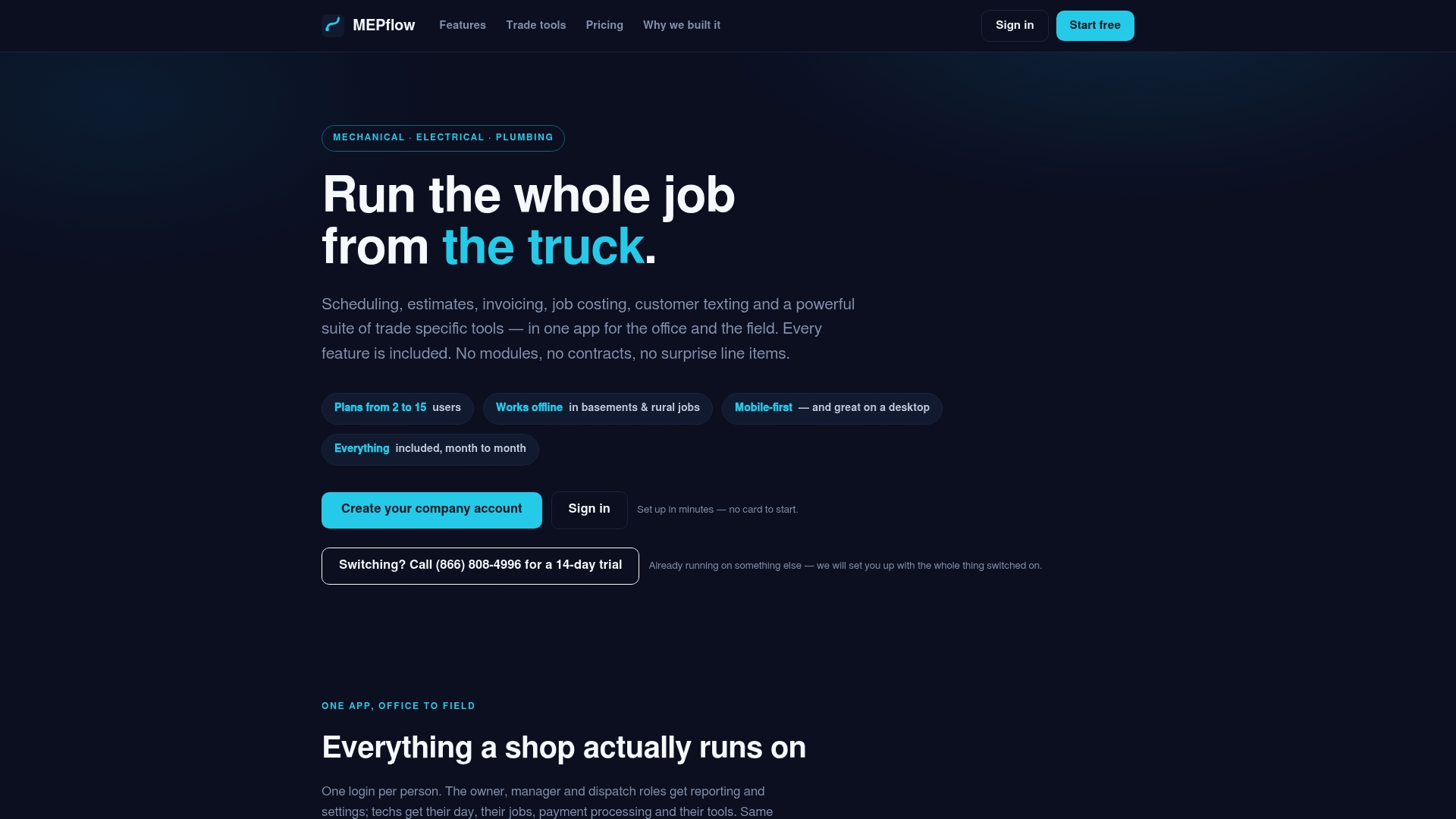
It works offline, so a basement or a rural site doesn’t stall the quote until signal comes back. For a shop ready to move past spreadsheets without losing the backup data an audit needs, MEPflow is built for that handoff. Pricing details are on our pricing page, and if you want to test the field workflow before committing, call 866-808-4996 to book a 14-day trial. Otherwise, Create your company account and import your existing templates and job data to get started.
Primary sources used in this guide
- FHWA cost estimating guidance
- Smithsonian facilities estimating requirements
- AACE International recommended practice
- UFC/WBDG construction cost estimating guidance
Sources
- AACE International recommended practice (estimating plan guidance)
- FHWA cost estimating guidance
- Smithsonian facilities estimating requirements (AE120 guidance)
FAQ
Can I get estimate templates for free?
Yes, free editable estimate templates are widely available in Excel, Word, Google Sheets, and PDF formats from template hubs and accounting software providers. Check that formula cells are unlocked and the file is a genuine spreadsheet before relying on it for a real bid.
How do I make a contractor estimate?
Start by defining the scope and doing a quantity takeoff, then price direct costs (labor, materials, equipment, subcontractors) before adding overhead, profit, and a separately labeled contingency. Review the math and completeness, then issue the estimate with a pricing effective date and an expiration date, following the workflow the Smithsonian facilities estimating requirements describe.
What is the best app for contractors to create estimates?
The right tool depends on whether you need simple calculations or a synced field-to-office workflow. Software like MEPflow builds Good, Better, and Best estimates from a per-trade pricebook and syncs photos, quotes, and job costing automatically, which removes the rekeying that spreadsheets require.
Can ChatGPT do construction estimates?
A general AI tool can help draft language or organize a template, but it has no access to your current material prices, labor rates, or job-specific takeoff, so it cannot produce a defensible number on its own. Treat it as a drafting aid at most, not a substitute for a documented Basis of Estimate and dated quotes.
Where to next
- See what MEPflow doesScheduling, estimates, dispatch, invoicing and job costing in one app.
- Create your company accountSet your shop up in a few minutes. No card to start.
- How to Reduce Field Service Scheduling TimeMore from the MEPflow blog
- Cut No Shows 25%: Text Appointment Reminders for Service ShopsMore from the MEPflow blog