No Retyping: Estimate to Invoice Workflow for 2–30 Truck Shops
Convert approved estimates into invoices with no retyping. Mobile first offline capture and audit ready records keep estimates, approvals and invoices...

No Retyping: Estimate to Invoice Workflow for 2–30 Truck Shops

The correct estimate to invoice workflow for a trades business is simple: build a complete estimate, get documented approval, then convert that approved estimate directly into an invoice instead of retyping it. This keeps line items, pricing and job details intact and gives you a clean audit trail that satisfies the IRS recordkeeping standard. Field-service software like MEPflow builds this conversion step into the workflow so office staff never re-enter numbers by hand.
TL;DR:
- Automatically converting approved estimates into invoices ensures line-item accuracy and maintains an audit trail, reducing disputes and payment delays.
- All critical fields, including job address, approval evidence, tax details, and scope attachments, must carry from estimate to invoice to prevent errors.
- Handling scope changes with new versions and approvals prevents mismatched billing, especially when clients accept partial estimates.
- Automation features like preset templates, instant conversion, and inline field capture help eliminate re-typing and double billing.
- Proper recordkeeping involves linking original estimates and approval documents to invoices, supporting tax compliance and clear audit trails.
Table of Contents
- The step-by-step estimate to invoice workflow
- Fields and metadata that must carry from estimate to invoice
- Handling revisions, partial acceptances and approval statuses
- Automation patterns that stop double billing and re-entry
- Recordkeeping and tax compliance for electronic invoices
- Why this workflow matters on the shop floor
- How MEPflow puts this workflow into practice
- Sources
- FAQ
The step-by-step estimate to invoice workflow
Most billing disputes and late payments in a 2 to 30 truck shop trace back to one habit: someone retypes the estimate into a separate invoice and a number changes along the way. The fix is a fixed sequence you can hand to any office manager.
- Build the complete estimate. Include every line item, quantity, unit price, applicable tax, the job or site address and any photos or scope attachments.
- Send it through a verifiable channel. Use an email with an accept link, a signed PDF, or an in-app approval so you have proof of who approved what and when.
- Convert on approval, never retype. Once the client accepts, use the system’s convert or “accept and invoice” function so line items and metadata carry forward automatically.
- Map deposits and milestones to the accepted estimate. If the job bills in stages, tie each partial invoice back to the specific estimate lines it covers.
- Send the invoice with a payment option and track it to close. Attach the payment link, note the due date, and follow the invoice through unpaid, partial and paid states until it clears.
A few habits make this sequence hold up under scrutiny:
- Never create an invoice from a draft estimate that hasn’t been approved.
- Always keep the original estimate number visible on the resulting invoice.
- Attach the approval evidence (signed PDF, accept email, or in-app timestamp) to the invoice record, not just the estimate.
Pro Tip: Set a rule that no invoice goes out until the linked estimate shows a status of “Approved,” not “Sent” or “Pending.”
Fields and metadata that must carry from estimate to invoice
Before you convert anything, run a quick check that nothing critical gets dropped in the handoff. The fields below are what typically break a job costing report or trigger a client dispute when they go missing.
- Line-item descriptions, unit prices, quantities, item codes and internal cost codes.
- Tax calculations, the taxing jurisdiction, and any shipping or fee lines.
- Customer billing contact, the job or site address, purchase order numbers and contract references.
- Estimate number, issue and approval dates, the name of who approved it, and any attachments such as photos or a signed scope of work.
- Internal job IDs and the labor, materials and overhead breakdown your job costing depends on.
A mismatched job address is one of the most common and most avoidable invoice errors in multi-crew shops, especially when a client has more than one property or unit under service.
Handling revisions, partial acceptances and approval statuses
Scope changes after an estimate goes out more often than most owners would like. The way you handle that change determines whether the resulting invoice matches what the client actually agreed to.
- Never overwrite an accepted estimate. If the scope changes, issue a new version and require a fresh approval.
- When a client accepts only part of an estimate, create an invoice for that accepted portion and reference the original estimate number on it.
- Move every estimate through the same status flow: Draft, Sent, Pending approval, Approved, Invoiced.
- Document the approval itself, whether that’s a signed PDF, a timestamped email, or an in-app accept, and attach it to the invoice record.
Watch for three red flags before anything goes out: an invoice generated from a draft rather than an approved estimate, a missing approval attachment, or a job address that doesn’t match the site the crew actually worked.
Automation patterns that stop double billing and re-entry
The shops that convert estimates cleanly almost always follow the same handful of automation patterns, regardless of which software they use.
- Standardize pricing with templates and Good/Better/Best presets so every estimate starts from the same accurate baseline.
- Auto-convert an accepted estimate into an invoice and route it straight to the billing queue instead of a manual handoff.
- Capture field data inline, photos, time and materials, so the invoice carries proof of the work when a client questions a charge.
- Keep an audit log and a machine-readable export so your books and your tax records share the same trail.
These patterns are built directly into some field service software platforms: Good/Better/Best estimates with photos, invoicing with instant payment links, and job costing that tracks labor, materials and overhead against the same job record, all synced from a mobile-first app that works offline and catches up when signal returns.
Statistic Callout: The IRS’s automated records guidance requires that electronic systems maintain audit trails and machine-sensible records sufficient to substantiate entries on tax returns, setting a compliance standard for estimate-to-invoice conversion processes.
Pro Tip: If your software offers an “auto-notify billing” setting on estimate approval, turn it on. It removes the one manual step most likely to get skipped on a busy Friday.

Recordkeeping and tax compliance for electronic invoices
The IRS accepts any recordkeeping system that clearly shows income and expenses, as long as supporting documents like invoices, receipts and paid bills back up what’s recorded. For an estimate to invoice workflow, that means the accepted estimate and its approval evidence need to stay attached to the invoice, not filed separately.
- Keep the original accepted estimate linked to its resulting invoice, not just referenced by number.
- Maintain timestamps, user IDs and attachments so there’s a clear trail between the invoice and your books.
- Organize records by year and job so supporting documents are easy to pull if a return is ever questioned.
- Favor systems that export machine-readable records rather than relying on static PDFs alone.
Good recordkeeping also makes it far easier to prepare accurate financial statements when tax season arrives, since the burden of proof sits with the business, not the IRS.
Why this workflow matters on the shop floor
Converting approved estimates instead of retyping them is not a formatting preference. It is the difference between an invoice a client can dispute and one they can’t, because the approval trail is already attached. In shops running 2 to 30 trucks, that trail is what gets a disputed invoice paid in days instead of weeks. The checklist above is the version worth pinning next to the office computer.
— Jonathan
How MEPflow puts this workflow into practice
This software was built by experienced tradespeople who use the software on their own trucks, and the estimate to invoice conversion sits at the center of how it works. Estimates go out as Good, Better and Best options with photos attached, and once a client approves one, it converts straight into an invoice with a payment link, no retyping and no separate billing step.
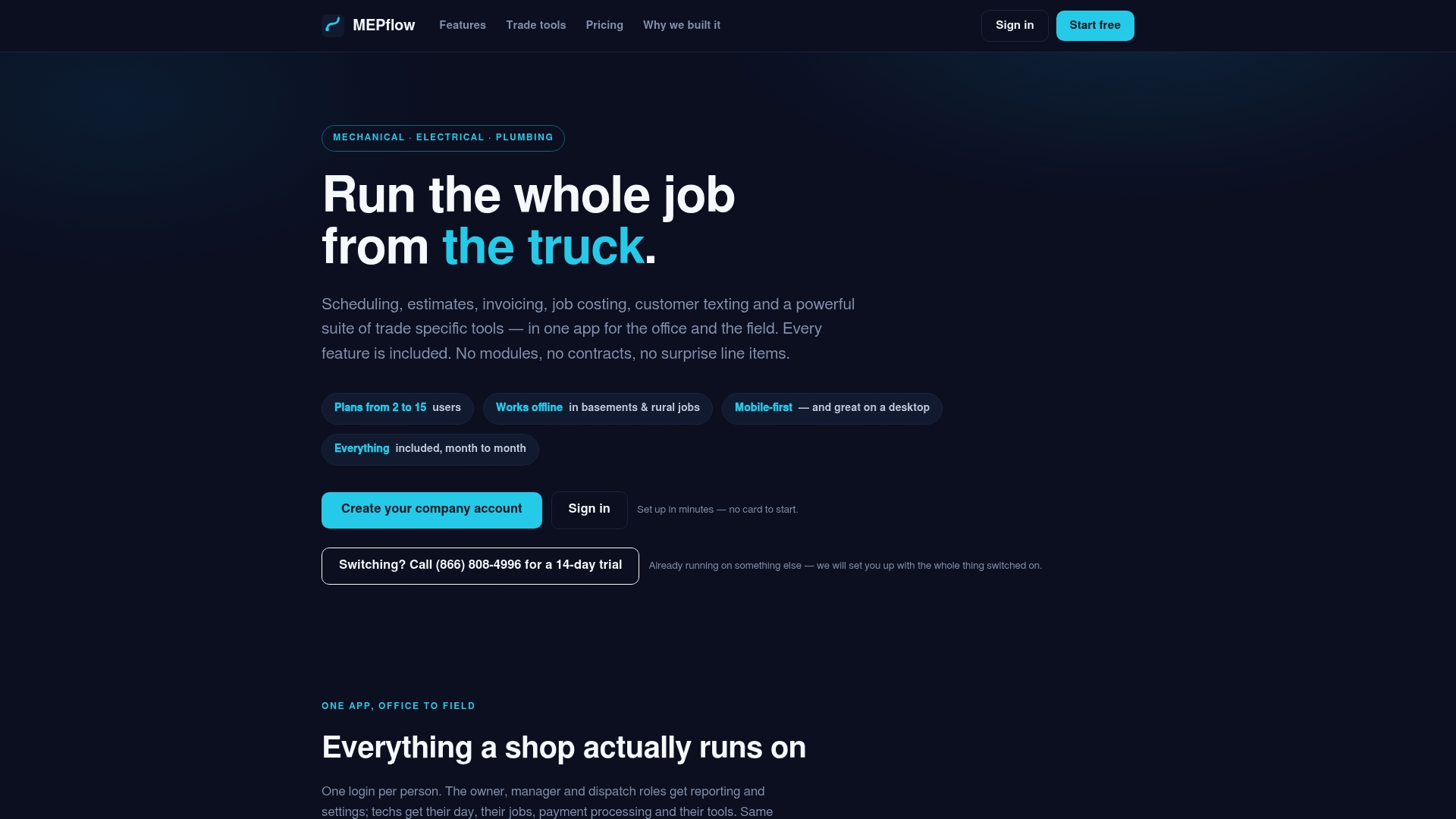
- Job costing tracks labor, materials and overhead against the same job record the estimate and invoice both point to.
- The software syncs offline first, allowing crews without signal at a job site to capture photos and materials that upload when the connection returns.
- Integration with accounting software can help keep books and field records aligned.
Pro Tip: Ask your office manager how many invoices last month were retyped from an estimate instead of converted. That number tells you how much time this workflow gets back.
Every feature runs on every plan, so the only thing that changes as your crew grows is how many people are using it. Check current plan details at Mepflow, or call 866-808-4996 to book a 14-day trial. When you’re ready, Create your company account.
Sources
IRS guidance on acceptable records, recordkeeping basics and automated records requirements. For clearer scope documentation on the estimate side, see BidBlock’s bid-writing guidance.
- What kind of records should I keep | Internal Revenue Service
FAQ
How do I create an estimate invoice?
Build the estimate with complete line items, taxes and the job address, then get documented client approval before converting it. The conversion step, rather than a fresh invoice form, is what keeps pricing and job details accurate.
What are the steps in the invoice processing workflow, in order?
The order is: create the estimate, send it for approval, convert the approved estimate into an invoice, apply any deposits or milestone billing, then send the invoice with a payment option and track it until paid. Skipping the conversion step and retyping numbers is the most common source of billing errors.
Can an estimate double as an invoice?
An estimate and an invoice serve different purposes: one proposes a price, the other requests payment for approved work. The safest practice is to convert an approved estimate into a separate invoice record rather than treating the estimate itself as a bill.
Is there a free tool to create invoice estimates?
MEPflow offers a free signup capped at five customers without trade tools, which covers basic estimate and invoice creation for a very small operation. Shops that need Good/Better/Best presets, job costing or offline sync will want the full feature set, detailed at Mepflow.
Where to next
- See what MEPflow doesScheduling, estimates, dispatch, invoicing and job costing in one app.
- Create your company accountSet your shop up in a few minutes. No card to start.
- How to Reduce Field Service Scheduling TimeMore from the MEPflow blog
- Cut No Shows 25%: Text Appointment Reminders for Service ShopsMore from the MEPflow blog