Tips for Faster Field Service Invoicing
Speed up invoicing in your field service business with 7 practical tips. Invoice before leaving the job site and improve cash flow.

Table of Contents
- Why Speed Matters in Field Service Invoicing
- Automate Invoice Generation from Work Orders
- Build a Field Service Invoice Template That Works
- Set Up Your Invoicing Workflow for Service Businesses
- How to Create an Invoice Quickly in the Field
- Choose Field Service Invoicing Software Built for Speed
- Collect Payment Before You Leave the Job
- Conclusion
- Frequently Asked Questions
Last Updated: October 14, 2026
Why Speed Matters in Field Service Invoicing
Slow invoicing costs money. For field service businesses, the gap between finishing a job and getting paid can stretch into weeks, hitting your bottom line.
Speed in field service invoicing directly affects cash flow, customer satisfaction, and office paperwork time, a real difference for a small shop running tight margins.
The best approach combines automation, mobile access, and a clear workflow: field invoicing tools, error-preventing templates, and software that connects job completion to billing instantly.
Automate Invoice Generation from Work Orders
Automation is where faster field service invoicing starts. When you finish a job, the invoice should generate automatically from work order data already in your system, with no manual re-entry.
Here's how this works in practice:
- Your technician completes the work order on a mobile device
- The system captures labor hours, materials used, and service location
- Invoice data pulls directly from the completed work order
When work order data flows into invoicing, the invoice exists the moment the job is marked complete, the foundation of faster field service invoicing.
Build a Field Service Invoice Template That Works
A good invoice template saves time and prevents costly mistakes, but it's only half the job. The gap most guides miss is the pre-send accuracy check, the 60-second review that catches errors before they become disputes and delayed payment.
What every field service invoice template needs
Your template should include everything customers expect to see and everything your accounting system needs to post the transaction cleanly:
- Customer name, billing address, and service address (they are often different)
- Invoice date, invoice number, and purchase order (PO) number if the customer requires one
- Description of work completed, written in plain language the customer can approve
Keep the layout clean so customers understand what they're paying for at a glance; unclear invoices cause payment delays.
The template should also match your brand: professional invoices build trust and get paid faster; sloppy ones signal disorganization.
Run a pre-send accuracy check every time
Before any invoice leaves the system, run this checklist. It takes under a minute and prevents the most common billing disputes:
- Labor. Do the logged hours match the work order and the technician's time entries? Are overtime and after-hours rates applied correctly?
- Parts and materials. Did every part pulled from the truck get billed? Did any get billed twice? Are part numbers and quantities correct?
- Taxes. Is the tax rate correct for the service address, not the billing address? Are any items tax-exempt in that jurisdiction, and are they flagged as such?
- Purchase orders and approvals. If the customer requires a PO number, is it on the invoice? Is the signed change order attached for any work beyond the original scope?
- Customer details. Is the billing contact correct? Is the service address right? Is the customer's AP portal or invoice-submission email on file?
- Payment terms. Does the due date match the agreed terms? Are late-fee terms disclosed?
Most disputes trace back to these six items. Catching them before sending is far cheaper than issuing a credit memo and re-invoicing.
Standardize the template across the team
One template, not five. If every technician builds their own invoice, you lose consistency, tax accuracy, and job comparability. Lock the template in your software so format, tax logic, and required fields are identical for every job.
Set Up Your Invoicing Workflow for Service Businesses
A clear workflow separates fast invoicing from chaotic billing. Most articles stop at "automate it," missing the operational detail: who owns each step, how long it should take, exception paths, and how you measure improvement.
Here is a practical workflow with target times, owners, and exception paths.
- Technician completes the work order (target: 0 minutes of extra billing work). All labor, parts, and job notes are captured on the mobile device before the technician leaves the property. If the technician has to write anything down to enter later, the workflow has already failed.
- Invoice generates automatically (target: under 60 seconds). The system pulls customer details, service address, line items, and tax rules from the completed work order. No re-entry.
- Technician reviews and confirms (target: 1-2 minutes). A quick scan for missing parts, wrong labor codes, or an unsigned change order. This is the last human checkpoint before the customer sees the number.
- Invoice is delivered on-site (target: same visit). Present it on the tablet or email/text it before pulling out of the driveway. Same-day delivery is the single biggest lever on days sales outstanding (DSO).
- Payment is collected or terms are set (target: same visit). Card, ACH, or mobile wallet on-site. If the customer is on account, confirm the due date and note it in the system.
- Transaction syncs to accounting (target: automatic, same day). No manual journal entries. The invoice, payment, and any fees post to your accounting system without a bookkeeper touching them.
- Follow-up fires on schedule (target: automated). Reminders at day 3, day 15, and day 30 past due, with a phone-call escalation at day 45 for balances over a threshold you set.
Assign an owner to every step
For a small shop, one office person can own steps 3 through 7. For a larger operation, split it: dispatch owns step 1 quality, the billing lead owns steps 3-4, and AR owns step 7. No step should be "everyone's job," because that means it's no one's job.
Handle the exceptions the standard workflow ignores
Real jobs rarely fit the happy path. Build rules for these before they happen:
- Change orders. If work expands mid-job, the change order must be approved in writing (text or e-signature is fine) before the extra labor is logged. An unapproved change order is the number-one source of invoice disputes.
- Partial payments and deposits. Apply deposits to the invoice automatically so the customer sees a remaining balance, not a full charge. Track retainage separately on larger commercial jobs.
- Recurring and warranty work. Recurring maintenance invoices should generate on a schedule without a work order. Warranty callbacks should generate a zero-dollar invoice with the warranty reference number so the visit is documented but not billed.
Measure the workflow with three numbers
You cannot improve invoicing speed without tracking it. Pick three KPIs and review them monthly:
- Time from job completion to invoice sent. Best-in-class field service operations push this under 24 hours; many top performers invoice the same visit. If yours is measured in days, that's your first fix.
- Invoice error rate. Count invoices that require a credit memo, reissue, or customer dispute. Even a 5% error rate is expensive when you factor in rework and delayed payment.
- Days sales outstanding (DSO). The average number of days it takes to collect. Track it by customer segment, commercial accounts will always run longer than residential, and you need to know which is which.
A simple spreadsheet with one row per invoice, completion date, sent date, paid date, error flag, is enough to start. You don't need a dashboard on day one; you need the habit of measuring.
For a small team, assign one person to monitor unpaid invoices and send reminders; for larger shops, automate them. Either way, don't let invoices disappear without follow-up.
How to Create an Invoice Quickly in the Field
Creating an invoice in the field means your technician has everything on a mobile device. The process should take minutes, not hours.
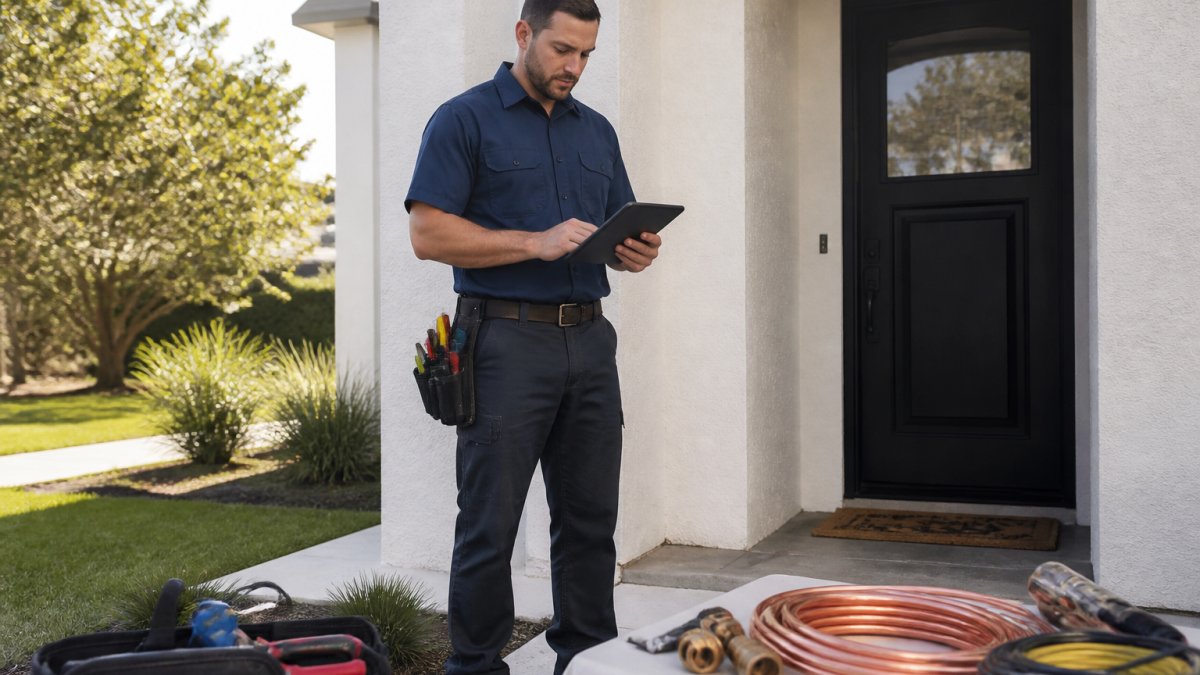
Here's what makes field invoicing fast:
- Mobile app access, Your technician can create and send invoices from their phone or tablet
- Pre-filled customer data, The app pulls customer details from your scheduling system
- Work order integration, Labor hours and materials are already recorded in the completed work order
The key is reducing decisions: every choice adds time. Pre-fill everything, use templates so formatting is automatic, and make sending a single action.
Many teams still use pen and paper or invoice back at the office, slow and error-prone.
Choose Field Service Invoicing Software Built for Speed
The right software makes faster field service invoicing automatic. Look for tools that integrate scheduling, work orders, and invoicing in one place, and avoid juggling multiple separate systems.
Key features to look for:
- Mobile-first design so technicians can work from the field
- Automatic invoice generation from completed work orders
- Built-in payment processing so customers can pay on-site
At MEPflow, we built our platform specifically for plumbing, HVAC, and electrical contractors.
The software should integrate with your existing tools. If you use a specific accounting system or payment processor, make sure the invoicing software connects to it.
| Feature | Why It Matters | Impact on Speed |
|---|---|---|
| Mobile app | Technicians invoice from the field | Eliminates office delays |
| Auto-generation | Invoice data pulls from work order | Reduces manual entry |
| Payment processing | Customers pay on-site | Faster cash collection |
| Real-time syncing | Data updates across all systems | No re-entry needed |
| Templates | Standardized format | Faster creation |
| Automated reminders | Follow-ups happen without manual work | Higher payment rates |
Collect Payment Before You Leave the Job
Collecting payment on-site is the fastest way to get paid. When you invoice and collect in the same visit, there's no waiting period. The transaction is complete.
To make on-site payment work:
- Offer multiple payment methods, credit card, debit card, mobile wallet, ACH transfer
- Have a mobile payment processor connected to your invoicing system
- Train your technicians to present the invoice and payment options confidently
Some customers will ask to be invoiced and pay later, fine for established clients.
When payment is collected immediately, accounting is cleaner, no AR aging or follow-up. The job is complete, the customer has a receipt, and the money is in your account.
Conclusion
Faster field service invoicing requires three things: automation to eliminate manual work, mobile access so technicians can invoice from the field, and a clear workflow connecting job completion to payment collection.
The tools you choose matter. Software that integrates scheduling, work orders, invoicing, and payments in one place eliminates delays and reduces errors. MEPflow was built by a master plumber, a master electrician, and an HVAC technician specifically to solve this problem.
Frequently Asked Questions
What information should a field service invoice include?
A complete field service invoice needs your company name and contact details, customer name and service address, itemized labor charges with time spent, parts and materials with costs, a clear description of work completed, total amount due, payment terms, and payment instructions. Include the job completion date and work order number to tie the invoice to the original estimate. This level of detail prevents billing errors and speeds up payment processing.
How soon should you send an invoice after completing a job?
Send invoices the same day the job is completed, ideally before you leave the customer's location. Mobile invoicing software lets technicians generate and send invoices from the field, reducing the administrative delay that typically happens when paperwork sits in the office.
How can field service businesses automate invoicing?
Automate invoicing by connecting your work order and job documentation directly to invoice generation. When a technician marks a job complete in the field, the system automatically pulls labor hours, parts used, and pricing rules to create the invoice. Mobile-first field service invoicing software eliminates manual data entry and the back-and-forth between field and office, cutting invoice creation time from hours to minutes.
What is the best invoicing tool for a small field service business?
The best invoicing tool for a small service business consolidates scheduling, estimates, and invoicing in one mobile app. Look for software that lets technicians create and send invoices from the job site, integrates with your dispatch system, and accepts mobile payments. A platform built specifically for plumbing, HVAC, or electrical trades will include industry-standard invoice templates and job costing features that generic accounting software lacks.
Ready to streamline your invoicing workflow? MEPflow combines mobile invoicing, job costing that reconciles, and customer texting in one app built for the trades. Start free with MEPflow and invoice before you leave the job site.
Where to next
- See what MEPflow doesScheduling, estimates, dispatch, invoicing and job costing in one app.
- Create your company accountSet your shop up in a few minutes. No card to start.
- Plumbing Field Service Software: How the Options CompareMore from the MEPflow blog
- Best Service Dispatch Software for Plumbing, HVAC and Electrical ShopsMore from the MEPflow blog