Plumbing Field Service Software: How the Options Compare
Compare plumbing field service software for 2 to 30 truck shops: dispatch, estimates, job costing, offline use and billing models, and where MEPflow fits.

Plumbing Field Service Software: How the Options Compare

The best plumbing field service software for a 2 to 30 truck shop is the one your technicians will use on the job and your office can trust for the numbers. For us that is MEPflow: one app for scheduling, Good/Better/Best estimates, invoicing, job costing, texting and trade calculators, built by a master plumber, a master electrician and an HVAC tech. Every feature is on every plan, and plans differ only by crew size.
Below, we compare it with the platforms plumbing owners most often shortlist, on the things that decide whether software pays off: field use, billing model, job costing, QuickBooks and switching.
TL;DR
- Most plumbing shops need five things in one place: dispatch, estimates, invoicing with payment, job costing and a phone app that works in a basement with no signal.
- Competing platforms gate features by tier or by seat count, so the plan that has job costing or QuickBooks sync is often not the plan you first price.
- MEPflow puts every feature on every plan, works offline, and runs month to month with no contract and no setup fee.
- If you are leaving a spreadsheet and a whiteboard, or Housecall Pro, ServiceTitan or Jobber, we import your existing customer and job data for you.
- Pricing lives on the MEPflow pricing section, not in this article.
Table of Contents
- What a plumbing shop actually needs from field service software
- The options plumbing owners compare
- Where tiers and seats change the real cost
- Field use: phone first, offline first
- Estimates: Good/Better/Best with photos
- Invoicing and payment before the truck leaves
- Job costing: knowing which jobs make money
- QuickBooks: Online or Desktop
- Dispatch, fleet and the office view
- Switching from Housecall Pro, ServiceTitan, Jobber or a spreadsheet
- Which option fits which shop
- Try MEPflow for your shop
- Our view on choosing plumbing software
- FAQ
- Sources
What a plumbing shop actually needs from field service software
Plumbing work is often unplanned and urgent. Trade App Reviews points out that a plumber running two emergency jobs in a day needs fast job creation, same-day invoicing and same-day payment. That is the baseline. Anything that slows the tech down at the customer’s door gets skipped, and then the invoice goes out Friday from memory.
A useful checklist for comparing options:
- Dispatch and scheduling. Can the office see every truck and move a job in seconds? Our guide on reducing field service scheduling time shows what to look for.
- Estimates the customer can choose from. Good/Better/Best options with photos close more repair-versus-replace calls than a single number on a sheet.
- Invoicing in the field. Payment links the customer can open from a text, sent before the truck leaves the driveway.
- Job costing. Labor, materials and overhead tied to each job, so you know on Tuesday whether Monday’s job made money.
- Offline behavior. Crawl spaces, mechanical rooms and new construction have no signal. Photos, materials and status should sync when it returns.
- QuickBooks. Online or Desktop, and on which plan.
- Billing model. Per user, per job volume, flat rate, or quote only.
The sections below run the main options against that list.
The options plumbing owners compare
The platforms below come up most often for small U.S. trade shops. Capterra’s small-business list names Jobber, FieldPulse, Service Fusion, BlueFolder, ServiceTrade, Zoho FSM and Zuper. Shops that grow often also look at Housecall Pro, ServiceTitan and FieldEdge.
| Option | Billing model (as listed November 11, 2026) | Built for |
|---|---|---|
| MEPflow | Monthly, by crew size, every feature on every plan; see pricing | Plumbing, HVAC and electrical shops of 2 to 30 trucks |
| Jobber | Core $29/month billed annually for 1 user; higher tiers add users and features | Multi-trade home service |
| Housecall Pro | Basic $59 for 1 user, Essentials $149 for 5, MAX $299 for 8 | Multi-trade home service |
| Service Fusion | Starter $208/month billed annually, unlimited users | Field service teams |
| Kickserv | Start $60 for 5 users, Run $119 for 10, Scale $199 for 20 | Small service teams |
| ServiceTitan, FieldEdge, FieldPulse, Workiz | Quote only | Varies |
The prices above come from Rankite’s November 11, 2026 comparison. Vendors change plans often, so read the list as a snapshot of that date and confirm on each vendor’s own page before you budget.
What the table shows is the shape of the problem. Four of the seven options publish tiers where the feature set changes as you climb. That matters more than the headline monthly figure.
Where tiers and seats change the real cost
Two patterns show up again and again in the research.
Features sit behind higher tiers. On Service Fusion, according to the same Rankite comparison, job photos, inventory, job costing, eSign, customer portal and progressive billing sit on the Plus or Pro plans, while Starter covers scheduling, dispatch, estimates, invoicing, payments and QuickBooks sync. A shop that wants job costing prices one plan and ends up on another. Duhari’s 2026 ranking describes the same pattern on Jobber, with job costing and automation on the higher Grow and Plus tiers.
Seats multiply with the crew. Trade App Reviews notes that Jobber’s seat-based structure means team growth directly raises the monthly cost. It also describes the seasonal-hiring headache: two extra HVAC technicians from June to October create seat-billing complications on per-seat platforms.
We built MEPflow’s model around that frustration. Plans differ only by how many people are on them, never by capability. The office manager who wants job costing, the tech who wants the calculators and the owner who wants KPI reports all get the same product. You pick the plan that fits your crew, not the feature list you can afford this quarter. Month to month means you can resize when the season changes, with no contract and no setup fee.

Field use: phone first, offline first
A plumbing tech spends the day in houses, crawl spaces and basements. Software designed first for the desktop and then shrunk onto a phone shows its seams there.
Some observations from the research:
- Capterra’s review summary says Service Fusion reviewers cite a mobile app with less functionality than the desktop version as a recurring friction point.
- Duhari’s ranking lists thin offline functionality among Jobber’s trade-offs, along with no built-in inventory.
- Trade App Reviews highlights integrated card readers and fast settlement on Jobber and Housecall Pro, which suits same-day payment.
MEPflow is mobile-first and works offline. Photos, materials and job status sync when signal returns, and a full desktop office side runs the same data, so dispatch and invoicing in the office see what the tech just did. The trade calculators and code lookups are one swipe from the job the technician is standing on, rather than a separate app or a browser search. If you want a field test to run on any platform you evaluate, our guide to mobile field service software and offline testing walks through it, and the roundup of mobile apps for plumbing technicians covers what techs actually use day to day.
Estimates: Good/Better/Best with photos
Estimating splits into two jobs. One is the on-site service quote: a water heater, a repipe, a drain camera finding. The other is bid-level estimating for larger commercial or new-construction scopes, with takeoffs and vendor quotes; for that work, dedicated plumbing estimating software for bids exists as its own category.
For the service truck, the estimate has to be built in minutes, in front of the customer. MEPflow builds Good/Better/Best estimates with photos from a per-trade pricebook, so the options come from your own prices rather than from memory. When the customer approves, the estimate becomes the job and then the invoice, without retyping. Our guide to contractor estimating software that works offline covers the details for shops that quote in places with no signal.

Invoicing and payment before the truck leaves
The single biggest cash-flow fix in a small plumbing shop is invoicing on site. MEPflow sends invoices with instant payment links, and integrated customer texting handles arrival notifications, so the customer knows the tech is coming and can pay from the same phone when the work is done. Technicians who struggle with invoicing in the field usually struggle because the invoice form is built for the office. Ours is built for the phone in the truck.
If you are comparing card-processing setups, it is worth reading how Jobber and Housecall Pro handle it side by side; a Jobber and Housecall Pro comparison gives a useful picture of how those two work for small field teams.
Job costing: knowing which jobs make money
Most shops running on spreadsheets know revenue and have a guess about profit. Real job costing means labor hours from the timeclock, materials from the truck or the supply house, and overhead, all assigned to the job. MEPflow includes comprehensive job costing for labor, materials and overhead, along with timeclock and payroll, on every plan. That matters because on several competing platforms job costing is a higher-tier feature, as shown above.
For plumbers who want the practical version, we wrote about simple job costing software for plumbers. Electrical and HVAC owners get the same job costing, and our field service software for electricians guide covers that side.
QuickBooks: Online or Desktop
Your bookkeeper will ask about this first. In the Rankite comparison, QuickBooks Online sync starts at Jobber’s Connect tier and Housecall Pro’s Essentials tier, FieldEdge and Service Fusion include both Online and Desktop sync, and Kickserv charges an extra $50 a month for Desktop sync from its Run plan. MEPflow includes a QuickBooks integration on every plan. If you are still deciding between the two QuickBooks versions, read our piece on QuickBooks Online versus Desktop for trade shops.
Dispatch, fleet and the office view
A shop with two trucks can dispatch from a whiteboard. A shop with eight cannot. MEPflow gives the office real-time scheduling with live fleet and equipment tracking, so the dispatcher sees where trucks are before assigning the next call. KPI and reporting tools show the owner what the week looked like without a spreadsheet export. For HVAC-heavy shops, our HVAC dispatching tips apply just as well to plumbing schedules.
Switching from Housecall Pro, ServiceTitan, Jobber or a spreadsheet
The real fear is losing history. Customer lists, past jobs and equipment records took years to build. We import your existing customer and job data for you, so you do not spend a weekend on CSV files. A practical switching routine:
- List what you use today. Pricebook, recurring customers, open estimates, QuickBooks connection.
- Export what you can. Customer and job lists from your current system or spreadsheet.
- Send it to us. We handle the import.
- Run one crew first. Put a single truck on MEPflow for a few days, then add the rest.
- Cut over the office. Dispatch and invoicing move once the field crews are comfortable.
Because MEPflow is month to month with no contract and no setup fee, the move is not a long commitment you have to justify.
Which option fits which shop
- Plumbing, HVAC or electrical shop of 2 to 30 trucks that wants every feature without climbing tiers: MEPflow.
- Owner who needs offline photos, materials and status in basements and crawl spaces: MEPflow, which is built mobile-first and offline.
- Shop with seasonal techs coming and going: a plan sized by crew with month-to-month billing, which MEPflow offers.
- Owner who wants job costing and QuickBooks without a tier upgrade: MEPflow includes both on every plan.
For a single-person operation that only needs basic invoicing, a one-user plan on a generalist app can be enough. Once you have a second truck and an office person, the questions above start to matter.
Try MEPflow for your shop
MEPflow covers scheduling and dispatch, Good/Better/Best estimates, invoicing with payment links, job costing, customer texting, timeclock and payroll, a per-trade pricebook and trade calculators in one app, with the same data on your phone and in the office. See how plans scale with crew size on the MEPflow pricing section, or look at the MEPflow home page for the full feature list.
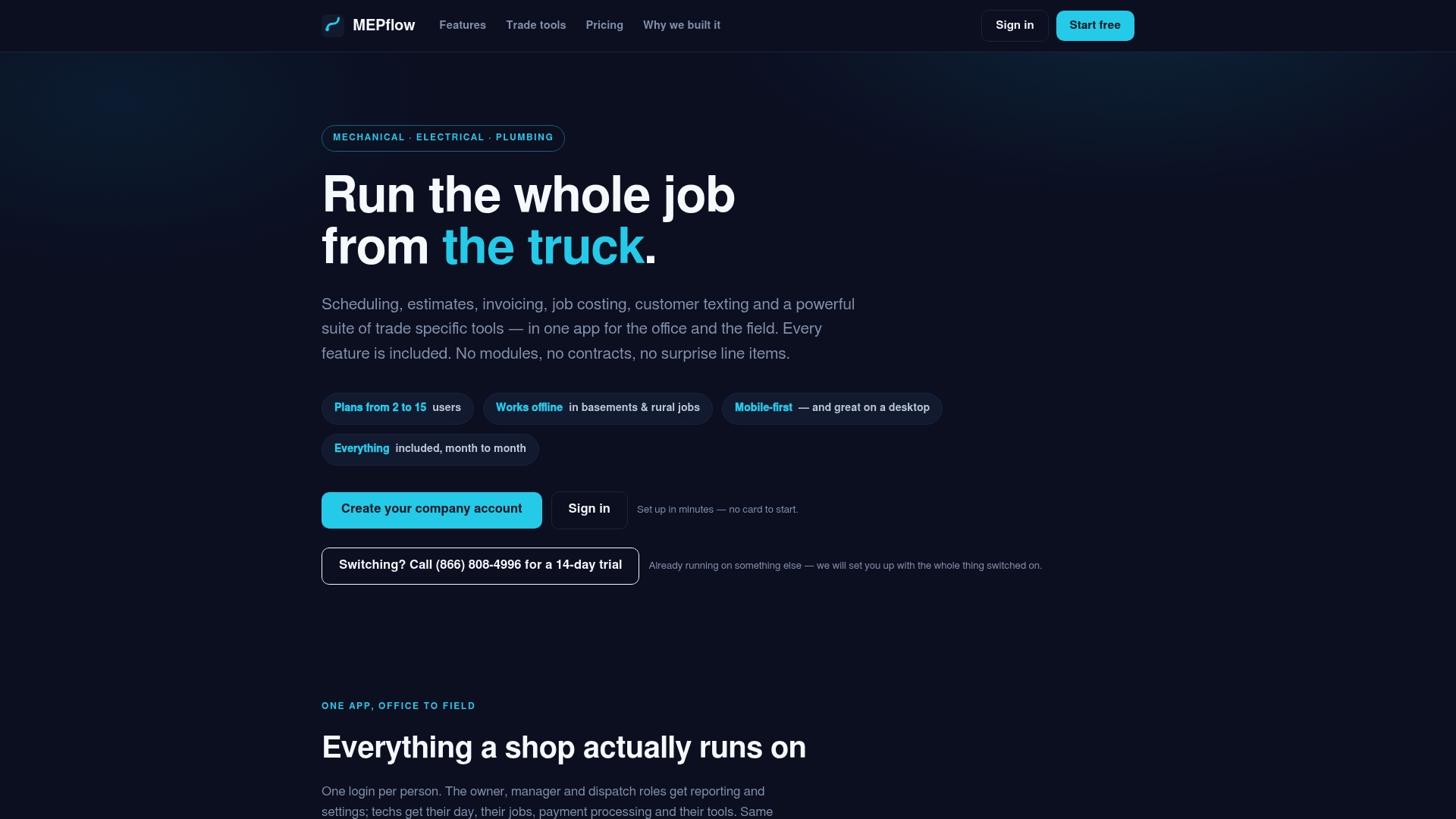
Ready to start? Create your company account. Free signup is capped at 5 customers and does not include the trade tools. To book the 14-day trial, call 866-808-4996.
Our view on choosing plumbing software
We built MEPflow because we got tired of software that was designed in an office and then squeezed onto a phone. A master plumber, a master electrician and an HVAC tech started it in Rogers, Arkansas, and we run it on our own trucks before anyone else sees it. If a feature does not survive a real job, it does not ship.
The biggest mistake we see owners make is choosing on the first price they see. The plan that looks affordable often leaves out the thing they bought software for: job costing, QuickBooks sync, photos on the estimate. So we made one rule. Every feature is on every plan, and the only thing that changes is how many people are on it.
Our advice: judge any platform the way your techs will use it. Open it in a basement with no signal. Build a Good/Better/Best estimate with photos while the customer stands there. Send the invoice before you pull out of the driveway. Then look at what your office sees in the job cost report that night. That is the test that matters, and it is the one we designed MEPflow to pass.
Jonathan
FAQ
What is plumbing field service software?
It is software that runs a plumbing company’s daily work: scheduling, dispatch, estimates, invoicing, payments, customer messaging and job costing. The best versions put a mobile app in the technician’s hand and a desktop view in the office, both on the same data.
Do I need software built only for plumbing?
You need software that handles plumbing workflows well: a pricebook with your flat-rate tasks, estimates with options, and calculators for the field. MEPflow is built for plumbing, HVAC and electrical contractors, with a per-trade pricebook and trade calculators on every plan.
How does MEPflow handle jobs with no cell signal?
MEPflow is mobile-first and works offline. Photos, materials and job status are kept on the device and sync when signal returns, so the technician keeps working in a basement or crawl space and the office sees the update afterward.
Can I move from Housecall Pro, ServiceTitan, Jobber or a spreadsheet?
Yes. We import your existing customer and job data for you, and MEPflow is month to month with no contract and no setup fee. For plan details by crew size, see the pricing section.
Sources
- Capterra: 7 Best Field Service Management Software for Small Business
- Rankite: Best Field Service Management Software for Small Business
- Trade App Reviews: Best Software for Small Contractors 2026
- Duhari: Best Field Service Software (2026)
- ArosBid: Plumbing estimating software
- Leapify: Jobber vs Housecall Pro
Recommended
Where to next
- See what MEPflow doesScheduling, estimates, dispatch, invoicing and job costing in one app.
- Create your company accountSet your shop up in a few minutes. No card to start.
- Best Service Dispatch Software for Plumbing, HVAC and Electrical ShopsMore from the MEPflow blog
- ServiceM8 Alternatives for US Plumbing, HVAC and Electrical ShopsMore from the MEPflow blog