Mobile Field Service Software for 2–30 Truck Shops: Test Offline
See how 2–30 truck plumbing, HVAC, and electrical shops can test mobile field service software, check offline performance, and choose a MEPflow pilot.

Mobile Field Service Software for 2–30 Truck Shops: Test Offline

For small to mid-sized plumbing, HVAC, and electrical shops, a mobile-first, offline-capable field service platform is the fastest path to consistent technician adoption and faster invoicing. Owners and office managers running 2 to 30 trucks need technicians to use the app in the truck, not just at the desk, because that’s where paperwork gets lost and invoices get delayed. The right platform cuts double entry, keeps jobs moving when signal drops, and gets a paid invoice out the door before the technician leaves the parking lot.
TL;DR:
- Evaluate now if more than three of the eight warning signs apply; dispatch calendars often stop scaling once a shop reaches four to six trucks.
- For one to three trucks, prioritize simple scheduling; at four to fifteen, add dispatch and parts booking; at sixteen to thirty, prioritize reporting and integrations.
- Require apps to store jobs, photos, and signatures offline, then sync changes on reconnection without silently overwriting conflicting edits from multiple technicians.
- Prioritize native QuickBooks accounting sync to prevent manual exports and duplicate entry; add CRM or API connections as crew and reporting needs expand.
- Run a two to four week pilot with two or three technicians, including a skeptical technician, and test real jobs offline before a phased rollout.
Table of Contents
- Quick decision checklist: should you evaluate mobile field service software now?
- What to look for in a mobile app: features and UX signals that matter
- Buyer profiles: which capabilities to prioritize by shop size and trade
- How to evaluate mobile field service software in the field: a pilot plan
- MEPflow perspective: built by tradespeople who run it on their own trucks
- The pilot matters more than the pitch
- How MEPflow fits and where to start
- FAQ
Quick decision checklist: should you evaluate mobile field service software now?
Not every shop needs to make this move today, but certain signals make the case urgent. Running through these eight questions tells you whether this is a now problem or a next-year problem.
- Crew size and growth horizon: if you’re adding trucks in the next 12 months, paper or spreadsheet scheduling breaks down fast.
- Connectivity and offline needs: technicians working basements, rural routes, or new construction without steady signal need software that functions without a live connection.
- Primary workflows: reactive service calls, scheduled maintenance, and contract work each demand different dispatch logic, so know which mix you run.
- Integration targets: if you already rely on QuickBooks or a CRM, check whether a new platform talks to them natively or forces manual exports.
- Dispatch complexity: multiple trucks, multiple trades, and tight time windows mean basic calendar apps stop scaling around 4 to 6 trucks.
- Parts and job costing needs: if you can’t currently tell which jobs lose money, mobile job costing tied to real material and labor entries fixes that blind spot.
- Customer communication expectations: homeowners and commercial clients increasingly expect text updates and arrival windows, not a phone call that goes to voicemail.
- Implementation appetite: a shop that can dedicate a few hours a week to a pilot will get there faster than one trying to switch cold during peak season.
If you checked more than three of these, mobile field service software is worth evaluating now rather than after the next slow season.
Pro Tip: Run this checklist with your lead technician in the room. Office pain and field pain are often different problems.
What to look for in a mobile app: features and UX signals that matter
Vendor demos look polished. Real field conditions, gloved hands, bright sunlight on a screen, a half-finished job with no signal, expose the difference between a mobile-first app and a desktop app with a phone wrapper.

True offline capability means the app caches job data locally, lets a technician complete a work order, capture photos, and get a signature with zero connection, then syncs everything transactionally once signal returns. Watch for how the platform handles conflicts: if two people edit the same job while offline, does it merge cleanly or silently overwrite one person’s work? That detail separates software built for the field from software ported to it as an afterthought.
Mobile UX details worth testing directly:
- Load speed on a weak connection, not just on office Wi-Fi.
- Tap target size, since technicians often operate a phone with gloves on or with greasy hands.
- Photo and voice input options, which beat typing notes on a five-inch screen every time.
- Low-interaction forms that pre-fill known data instead of asking a tech to re-enter the customer’s address for the third time that day.
Work orders need to carry everything a technician touches in the field: parts used, labor hours, timeclock punches, trade-specific checklists, and a signature capture that attaches directly to the invoice. If any of that lives in a separate system, someone in the office ends up retyping it, and retyping is where billing errors creep in.
Customer-facing communication matters just as much as back-end data. Automated arrival window texts, real-time technician-on-the-way updates, and a payment link attached to the invoice reduce the number of calls your office fields asking “where’s my tech” and speed up how fast you actually get paid. Our estimate to invoice workflow approach reflects this: capture once in the field, bill immediately, no retyping back at the office.
On the scheduling and dispatch side, look for skill-based assignment (so a gas line job doesn’t land on a tech who isn’t licensed for it), defined time windows, and at minimum a basic route optimization layer that groups nearby jobs instead of sending trucks criss-crossing town.
Inventory and parts reservation deserve a close look too. A technician who can check parts availability and reserve stock from the truck avoids a second trip for a part that was sitting on a shelf the whole time. Reporting should flow from the same mobile entries, not a separate reconciliation step, so job costing reflects what actually happened on-site rather than what someone remembered to log later.
Gartner’s Field Service Management market review aggregates buyer and vendor feedback across the category, and that feedback consistently centers on scheduling, dispatch, mobile reliability, and integrations as the features buyers weigh most heavily when comparing platforms.
Finally, check accounting integration before you commit. A platform that syncs with QuickBooks without manual export and import prevents the single most common source of double entry in small trade shops: one number in the field app, a different one in the books.
Buyer profiles: which capabilities to prioritize by shop size and trade
Feature lists look the same across most field service platforms until you map them against your actual crew size. Overbuying wastes training time; underbuying means a second switch in eighteen months.
- Solo operators and 1 to 3 trucks should prioritize time-to-value above everything else: simple scheduling, mobile invoicing, and a short learning curve matter more than advanced dispatch logic you won’t use yet.
- 4 to 15 trucks is where dispatch automation and parts booking start paying for themselves, since a dispatcher juggling more than a handful of trucks by memory starts dropping jobs or double-booking technicians.
- 16 to 30 trucks shifts priorities again toward integrations, KPI reporting, and the administrative controls that let an office manager see job costing and technician performance across the whole fleet without pulling reports from three systems.
Trade also changes what matters. A plumbing shop leans on pipe sizing and code lookups a tech can pull up mid-job. An HVAC crew needs load calculators and equipment specs close at hand. An electrical contractor needs code reference and load calculations the same way. A platform with trade calculators and a per-trade pricebook built in saves a technician from stepping away to search a manual or call the office, and it keeps quotes consistent across your whole crew. Our field service efficiency guide covers how these small frictions add up across a week of calls.
Signals that tell you it’s time to move up a tier: dispatchers spending more time untangling schedule conflicts than actually dispatching, technicians calling the office mid-job for pricing or part numbers, or job costing reports that take days to assemble instead of minutes.
How to evaluate mobile field service software in the field: a pilot plan
A vendor demo tells you what the software can do under ideal conditions. A pilot tells you what it does on a Tuesday afternoon with a half-charged phone and three jobs stacked up.
- Scope a short pilot, two to three technicians, two to four weeks, covering a representative mix of your actual job types.
- Test core tasks directly: job acceptance from the truck, updating a job status with no signal, capturing photos and a signature, logging parts used, and generating a quote or invoice on-site.
- Track adoption and speed metrics: how many jobs get closed out in the app versus on paper, time from job completion to invoice sent, and any rework visits caused by missing information.
- Involve technicians in the setup, not just the test. The people who will use the app every day notice friction points an office manager never will.
- Iterate fast on what breaks, rather than waiting for a full rollout to fix a clunky workflow three technicians already flagged in week one.
Future of Field Service’s selection guidance puts it plainly: teams should explicitly test the level of mobile and offline capability their technicians actually need before signing anything, because a feature that works in a conference room doesn’t always survive a basement with no bars.
The most common rollout mistake is skipping the audit step: switching platforms without first mapping which processes matter most, then trying to activate every module at once. A phased activation, start with scheduling and invoicing, add parts and reporting once the basics stick, avoids the chaos and cost overruns that come from an all-at-once switch. Our emergency dispatch protocol piece walks through phased activation for dispatch specifically if that’s your first priority.
Pro Tip: Pick your most skeptical technician for the pilot, not your most enthusiastic one. If the app wins them over, it’ll work for the rest of the crew.
MEPflow perspective: built by tradespeople who run it on their own trucks
The platform was built by tradespeople who test new features on their own trucks before customers see them. That order matters: the mobile side gets stress-tested in a service van before it gets shipped to a shop in Rogers, Arkansas, or anywhere else.
The offline problem described throughout this guide is a key focus in developing such platforms. Photos, material usage, and job status all cache locally and sync the moment signal returns, so a technician in a basement or a rural call doesn’t lose an afternoon of work to a dead connection.
In effective platforms, the same data runs on mobile and desktop, so the office side sees the same job the technician just closed out, with no export, reconciliation, or duplicate data entry required.
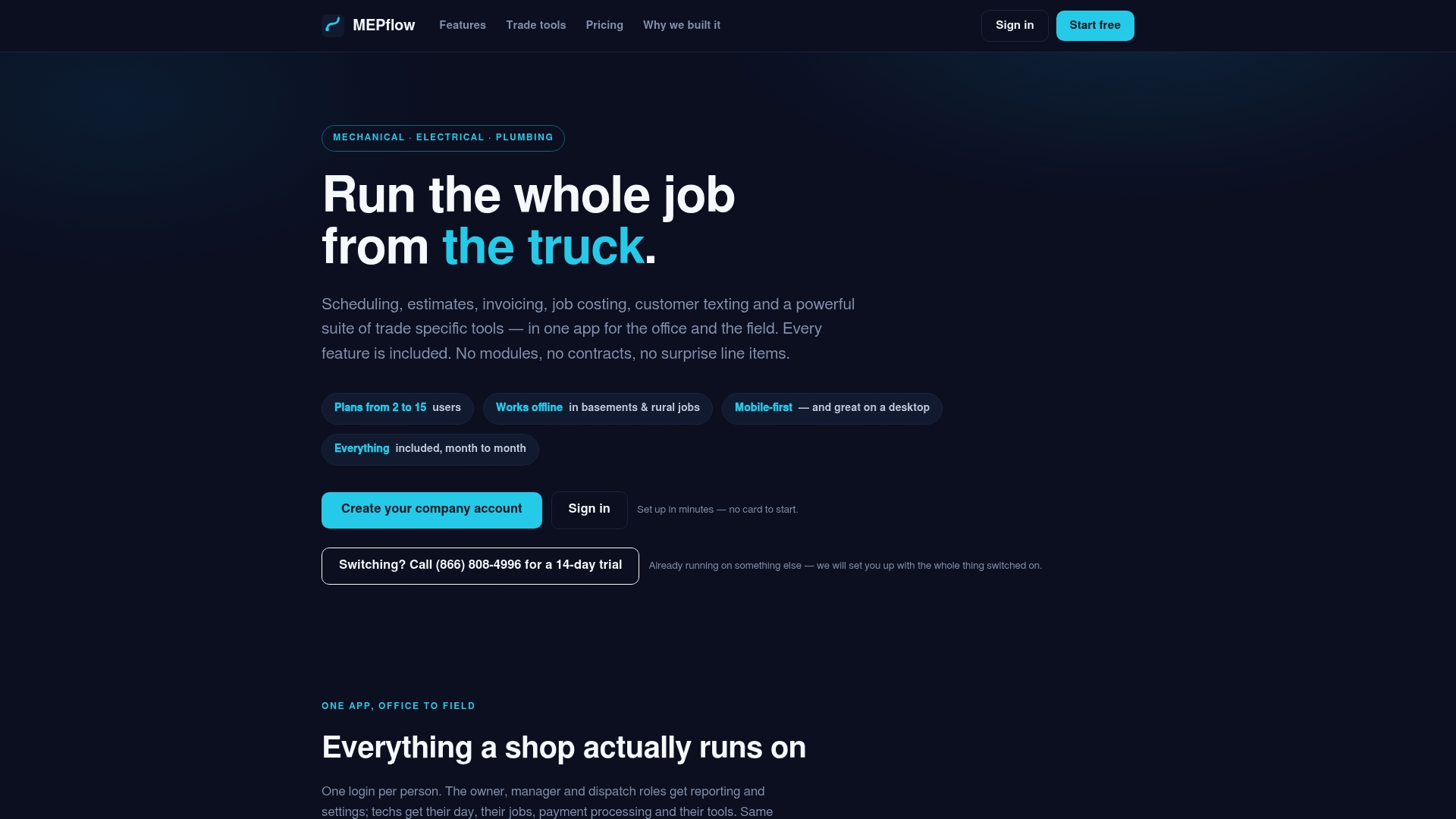
Key features important for plumbing, HVAC, and electrical trades include trade calculators and code lookups accessible from the job screen, tiered estimates with photos for on-site quoting, per-trade pricebooks to keep pricing consistent across experience levels, and customer texting with arrival notifications integrated with the job record. Some platforms offer all features on every plan and assist with importing existing customer and job data to avoid starting from scratch during a pilot.
The pilot matters more than the pitch
The conventional advice on this topic treats feature lists as the decision point: more integrations, more dashboards, more automation wins. That’s backward for a 2 to 30 truck shop. The decision point is whether a technician who hates filling out paperwork will actually open the app on a Tuesday afternoon between two calls. Mobile reliability and offline behavior predict adoption far better than a longer feature list, because a feature nobody opens in the field doesn’t exist for your business.
Most shops underweight the pilot and overweight the demo. A demo is a sales conversation. A pilot, run with a skeptical technician over two to four weeks, is the only test that tells you whether the app survives a basement with no signal or a glove-covered thumb on a small screen.
Prioritize the test, not the slide deck. If a platform can’t prove itself in your technician’s hands in under a month, no feature list will make up for that in month six.
— Jonathan
How MEPflow fits and where to start
Everything in this guide points to the same short list: mobile-first, works offline, keeps estimate and invoice in one flow, and includes the trade-specific tools your technicians actually reach for mid-job. That’s the platform we built, and it’s the one we still run on our own trucks every day.
| What you need | What we include |
|---|---|
| Offline-capable mobile app | Local caching with sync on reconnect, no lost job data |
| Estimate to invoice in one flow | Good/Better/Best estimates, invoicing, and payment links on the same job record |
| Trade-specific tools | Per-trade pricebook and calculators reachable from the job screen |
| Office and field on one system | Desktop office side running the same data as the mobile app |
If you want to see how this fits your shop before committing to anything:
- Start a pilot with two or three technicians on your toughest route.
- Import your existing customer and job data rather than starting from a blank slate.
- Check pricing by crew size at Mepflow.
If you’re also thinking about scaling crew capacity while you pilot new software, a subcontractor marketplace like PNV’s subcontractor directory can help fill gaps without disrupting your core team.
Ready to see it on your own jobs: Create your company account.
FAQ
What does offline mode actually mean in field service apps?
Offline mode means the app stores job data, photos, and forms locally on the technician’s device and keeps working with no live connection. Once signal returns, everything syncs automatically, and a well-built platform resolves any conflicting edits instead of silently overwriting one version.
How long should a mobile field service software pilot run?
A pilot of two to four weeks with two or three technicians is usually enough to surface real problems. Longer pilots rarely reveal new issues; they mostly just delay the decision.
Which integrations should I prioritize first?
Accounting integration, specifically QuickBooks, should come first because it eliminates the double entry that causes most billing errors in small shops. CRM and API integrations matter more once your crew size and reporting needs grow past the basics.
How long does it take to roll out field service software across a crew?
Timelines vary by shop size and how many workflows you activate at once, but a phased rollout, starting with scheduling and invoicing before adding parts tracking and reporting, tends to reduce resistance and avoid overruns compared to an all-at-once switch.
How do I get started with MEPflow?
You can create a free account capped at 5 customers to explore the basics, or call 866-808-4996 to set up a 14-day trial with full trade tools. Either path lets you import your existing customer and job data before you start a pilot.
Recommended
Where to next
- See what MEPflow doesScheduling, estimates, dispatch, invoicing and job costing in one app.
- Create your company accountSet your shop up in a few minutes. No card to start.
- QR Codes for Equipment: Keep Scanning Offline in Small Trade ShopsMore from the MEPflow blog
- Send an ETA Text: Set Up in Five Seconds for Small Trade ShopsMore from the MEPflow blog