Workiz Alternatives for Plumbing, HVAC and Electrical Shops
Comparing Workiz alternatives for 2–30 truck plumbing, HVAC and electrical shops: what to check, who fits where, and how to switch without losing data.

Workiz Alternatives for Plumbing, HVAC and Electrical Shops

If you run a plumbing, HVAC or electrical shop and Workiz no longer fits, the short list usually has five names: MEPflow, Jobber, Housecall Pro, FieldPulse and ServiceTitan. Which one wins depends on three things: how many trucks you run, how much of your day happens on a phone in a driveway, and whether you need real job costs or just a calendar and an invoice. This guide walks through those choices from the owner’s and office manager’s chair, and ends with a safe way to switch.
TL;DR
- Decide on your trades and truck count first. A 2 to 30 truck plumbing, HVAC or electrical shop needs different things than a lawn or cleaning crew.
- Test the tool in your worst-signal basement or crawl space. Offline behavior separates field-ready software from office software with a phone app.
- Look for job costing (labor, materials, overhead) and Good/Better/Best estimates that flow into the invoice without retyping.
- Check how pricing scales. The cleanest model is one where every feature is on every plan and only the number of users changes.
- Export your data before you cancel anything, and run the old and new systems side by side until open jobs close.
Table of Contents
- Why shops look beyond Workiz
- What to compare before you pick
- Workiz alternatives at a glance
- The options, one by one
- Match the tool to your shop
- Our perspective
- How to switch without losing data
- Try MEPflow
- FAQ
- Sources
Why shops look beyond Workiz
Workiz serves a wide spread of home service businesses. That breadth is fine for many owners. For a shop that lives in three licensed trades, the questions tend to get narrower:
- Trade depth. Does the pricebook work per trade, so a water heater swap, a condenser change and a panel upgrade each have their own structure?
- Job costing. Can you see labor, materials and overhead on a job before the customer’s check clears, or only after the bookkeeper catches up?
- Technician tools. Does the tech get calculators and code lookups on the job, or does the tech reach for a separate app and a paper chart?
- Growth. When you go from 4 trucks to 12, does the software grow with you, or do you hit a wall that forces a tier jump to get one feature?
- Office and field on the same data. Dispatchers work on a big screen, technicians work on a phone, and both need to see the same job.
None of these is a complaint about any one product. They are the questions a trade contractor asks when the first system has done its job and the business has outgrown the first setup. Owners who have never used field service software, and are still on a spreadsheet and a whiteboard, ask the same questions in a different order.
What to compare before you pick
Feature lists on vendor sites look alike. These criteria separate the tools in daily use.
Scheduling and dispatch
Open the schedule as your dispatcher would at 7:15 a.m. with two techs out sick. Can you drag a job from one truck to another, see who is closest, and text the customer a new arrival window without leaving the screen? If you want to cut the time your office spends on this, our guide on how to reduce field service scheduling time shows where the minutes go.
Estimates and invoices
Good/Better/Best options with photos close more service calls than a single number on a sheet of paper, because the homeowner chooses a tier instead of deciding whether to say yes. What matters for you is the next step: when the customer picks an option, does it become the invoice with a payment link, or does someone retype it? We cover that handoff in the estimate to invoice workflow.
Job costing
Most owners know revenue by job and guess at margin. Real job costing tracks technician hours, parts pulled from the truck or the supply house, and a share of overhead. If you are a plumber, start with simple job costing for plumbers. For a wider view of methods and why work-in-progress reports run late, read our job costing methods guide.
Mobile and offline behavior
Basements, attics, mechanical rooms and rural properties are where signal drops. Software that needs a connection to open a job or save a photo fails exactly where the work happens. Ask whether photos, materials and job status are stored on the phone and sync when signal returns. We wrote a checklist for this, mobile field service software you can test offline.
Customer communication
Arrival notifications and two-way texting cut the “where is my tech?” calls that tie up your office manager. Check that texting is built in and tied to the job record, not a separate inbox.
Integrations and accounting
If your bookkeeper lives in QuickBooks, confirm the integration and what it syncs: invoices, payments, customers. Ask what happens to a payment that fails to sync.
Contract terms and pricing structure
Ask three questions of every vendor: is it month to month or a contract, is there a setup or onboarding fee, and are features locked to higher tiers? Prices change often, so read each vendor’s own pricing page on the day you decide rather than trusting a comparison article, this one included.
Workiz alternatives at a glance
The table gives our own read of where each option tends to fit. It is a starting point for demos, not a verdict. Confirm details on each vendor’s site.
| Option | Typically considered by | Where to look closely |
|---|---|---|
| MEPflow | 2 to 30 truck plumbing, HVAC and electrical shops that want field tools and job costing in one app | Offline sync, per-trade pricebook, trade calculators, QuickBooks integration |
| Jobber | Small crews that want straightforward scheduling and invoicing | Depth of job costing and trade-specific tools for licensed trades |
| Housecall Pro | Small to mid-sized teams that want a familiar, popular home service platform | Which features sit on which plan, and how your trade workflows map |
| FieldPulse | Growing field teams comparing a mid-market field service option | Reporting depth and how the mobile app behaves without signal |
| ServiceTitan | Larger, more complex operations with dedicated office staff | Implementation effort and whether a small shop will use the whole system |
The options, one by one
MEPflow
MEPflow is field-service software for plumbing, HVAC and electrical contractors in the United States. One application covers the office and the field: scheduling and dispatch, Good/Better/Best estimates, invoicing with instant payment links, job costing for labor, materials and overhead, customer texting and arrival notifications, live fleet and equipment tracking, timeclock and payroll, and a per-trade pricebook. Trade calculators and code lookups sit one swipe from the job the technician is standing on.
It is mobile-first and works offline, so photos, materials and job status sync when signal returns, while the desktop office side runs on the same data. Every feature is on every plan; plans differ only by how many people are on them. It is month to month, with no contract and no setup fee, and we import your existing customer and job data for you. It integrates with QuickBooks. It is built for owners and office managers of 2 to 30 truck shops, not for IT teams or facilities departments.

Jobber
Jobber is often the first name that comes up for small crews that want clean scheduling, quoting and invoicing. If your work is a simple route of repeat visits, it can be a comfortable fit. If you do licensed-trade service and install work and want per-trade pricebooks, calculators and job costing in the same tool, compare those parts line by line in a demo.
Housecall Pro
Housecall Pro is among the most widely known options for small home service companies, and shops leaving Workiz often put it on the list. Because Jobber and Housecall Pro are the two names owners compare most, Jobber and Housecall Pro compared is worth a read before you book demos. Check which features are tied to which plan so you do not find a missing feature after you sign up.
FieldPulse
FieldPulse targets field service teams that are growing out of their first tool. Put it through the same tests as the rest: dispatch on a bad morning, an estimate turned into an invoice, and a job opened in a dead zone.
ServiceTitan
ServiceTitan is built for larger operations with dedicated office roles and the appetite for a longer rollout. For a 2 to 30 truck shop, the question is how much of a big platform you will actually use, and how much time your office will spend learning it instead of dispatching.
Match the tool to your shop
Two to six trucks, owner still dispatching from a phone. You need speed to set up and a mobile app that does not make technicians hate it. Choose a tool you can be running on in a week, and one that imports your customer list so you are not typing 800 contacts by hand.
Seven to 15 trucks, first full-time office manager. The office needs a real dispatch board, texting tied to jobs and invoices that close the loop with QuickBooks. This is where job costing starts to pay: margins vary by technician, job type and trade.
16 to 30 trucks, multiple trades. You need per-trade pricebooks, equipment and fleet tracking, KPIs and reporting that the owner can read in five minutes. Ask each vendor how the tool handles a shop that does plumbing and HVAC under the same roof.
Switching from Housecall Pro, ServiceTitan or Jobber. The question is the migration. Ask each vendor who moves the data, how long open jobs take to carry over, and whether your service agreements and history come with you.
Still on spreadsheets and a whiteboard. You do not need the biggest platform. You need one place for customers, jobs, estimates and invoices, and a technician app that works in a basement. Start with a tool that lets you add features without changing plans.
Our perspective
We built MEPflow because we lived the problem. A master plumber, a master electrician and an HVAC technician in Rogers, Arkansas, we were tired of software that looked good in a demo and fell apart in a crawl space.
Our view is simple. Field service software for trades should be judged on the truck, not the trade show. If a technician cannot add a photo, log materials and mark a job complete with no bars of signal, the office will be chasing paperwork by Friday. That is why MEPflow works offline and syncs when signal returns, and why we run it on our own trucks before anyone else sees it.
We also think software pricing should not punish growth. In MEPflow every feature is on every plan, and plans differ only by crew size. You should not have to upgrade to get job costing or the trade calculators. Month to month, no contract, no setup fee, and we import your customer and job data for you, so switching does not start with a weekend of data entry.
Whichever tool you choose, hold it to the same standard: does it make the technician faster on the job, and does it show the owner what each job actually earned? If the answer to both is yes, you picked well.
Jonathan
How to switch without losing data
A move between platforms goes smoothly when you treat it as a short project instead of a Friday afternoon cutover. The steps below follow a six-step approach to switching construction software and add what we see in trade shops.
- Inventory what matters. List customers, open jobs, estimates awaiting an answer, recurring service agreements, pricebook items and the reports you actually read.
- Export before you cancel anything. Contacts can go to a spreadsheet, and estimates, proposals and invoices can be saved as files. Confirm the exports open and are complete before you touch your subscription.
- Hand the data to the new vendor. Ask who imports your customer and job history and what format they need. Our team imports your existing customer and job data for you.
- Run both systems side by side. Keep the old tool for jobs already in progress while new calls go into the new one.
- Train technicians on one workflow. Pick a single path, from dispatch to photos to invoice, and practice on a real job before the whole fleet moves.
- Cancel the old subscription last. Only after exports are confirmed and the last open job is closed and paid.
Schedule the cutover for a slower week, not the first cold snap or the first heat wave of the season.
Try MEPflow
If you want to see how these ideas work on a real truck, MEPflow puts scheduling, estimates, invoicing, job costing, texting and trade calculators in one app with an office side on the same data. For plans and rates, see the pricing section on our site. Free signup is capped at 5 customers and has no trade tools. To try everything for 14 days, call 866-808-4996 and we will set up your trial.
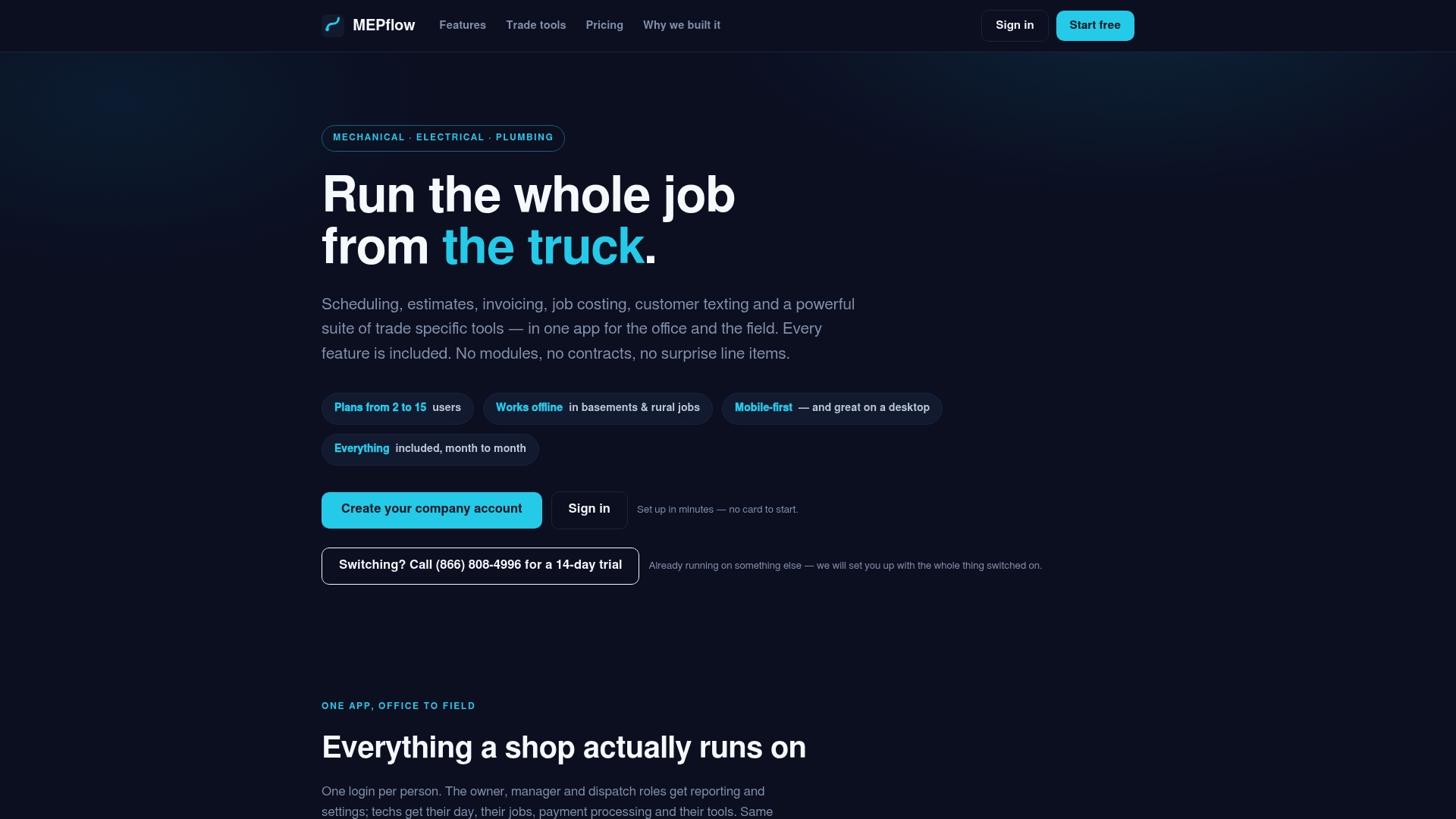
When you are ready, Create your company account. You can also read more about the platform on the MEPflow home page, or browse our field service blog. Electricians who want a trade-specific view can start with field service software for electricians, and shops comparing quoting tools can read about contractor estimating software that works offline.
FAQ
Is Workiz good for plumbing, HVAC and electrical contractors?
Workiz serves many kinds of home service businesses, and plenty of trade shops run on it. If you want a per-trade pricebook, built-in trade calculators and deeper job costing in the same tool, put it side by side with the alternatives above and judge by your own workflow.
How much does Workiz cost per month?
Pricing changes, and it depends on plan and number of users, so read the current figures on Workiz’s own pricing page. Do the same for every tool on your list, and compare what each plan includes, not only the headline number. For MEPflow, see the pricing section.
What should I check before switching field service software?
Check offline behavior, the QuickBooks integration, how user counts affect your bill, whether features are locked to higher plans, and whether the contract is month to month. Also ask who imports your data and how open jobs carry over.
What is the best Workiz alternative for a small shop?
For a 2 to 30 truck plumbing, HVAC or electrical shop that wants field tools, job costing and offline use in one app, MEPflow is built for that case. Shops with a simple route of repeat visits may also look at Jobber or Housecall Pro.
Sources
- How to Switch Construction Software Without Losing Your Data
- Jobber vs Housecall Pro: Best for Small Field Teams
Recommended
Where to next
- See what MEPflow doesScheduling, estimates, dispatch, invoicing and job costing in one app.
- Create your company accountSet your shop up in a few minutes. No card to start.
- Best Electrical Contractor Software for Small Shops in 2026More from the MEPflow blog
- Best HVAC Dispatch Software for Small Shops in 2026More from the MEPflow blog