What Are the Best Mobile Invoicing Apps for Electricians?
Compare mobile invoicing apps for electricians by price, offline access, and payment speed, then see which fits 2 to 30 trucks or solo operators.
Last Updated: October 28, 2026
Quick Summary
The best mobile invoicing apps for electricians let you build an itemized invoice at the panel, send it by text or email, and collect payment before leaving the job site. MEPflow suits shops with 2 to 30 trucks that want invoicing tied to scheduling and estimates, while Joist at $8 per month and free options like Wave, Square Invoices, and Zoho Invoice fit solo operators on a budget.
- MEPflow was built by a master plumber, a master electrician, and an HVAC technician.
- QuoteIQ bundles invoicing, payments, AI estimating, scheduling, and job photos for $29.99 per month.
- Joist costs $8 per month with a free tier, but is not built for job costing or multi-crew dispatch.
- Invoice Simple has no electrical-specific workflow, so it lacks panel schedules and change order trails.
- Check offline access, deposits, change orders, and payment options before committing to an app.
Table of Contents
- Best Mobile Invoicing Apps for Electricians: Quick Comparison
- MEPflow: Invoicing Built Into the Job, Not Bolted On
- QuoteIQ, Joist, and Invoice Simple: Invoicing-First Apps for Electricians
- Free Electrical Invoice App Options: Wave, Square Invoices, and Zoho Invoice
- What Electrician Invoice Software Needs to Handle in the Field
- Why an Electrician Estimate and Invoice App Should Be One Tool
- Job Costing Software for Electrical Contractors: The Real Payoff
- Start Invoicing From the Truck With MEPflow
- Frequently Asked Questions
Best Mobile Invoicing Apps for Electricians: Quick Comparison
The best mobile invoicing apps for electricians let you build an itemized invoice at the panel, send it by text or email, and collect payment before the van leaves the driveway. This guide compares eight apps on price, offline behavior, and how well each handles real electrical work. For a broader electrician-specific software comparison, see best field service software for electricians.
Here is the short version before the details:
| App | Starting Price | Free Tier | Best For | Watch Out For |
|---|---|---|---|---|
| MEPflow | See pricing page | Yes | Shops that want invoicing tied to the job | Best value only if you use scheduling and estimates too |
| QuoteIQ | $29.99/month | No | Contractors wanting invoicing plus estimating in one app | Plan details at that price are unclear |
| Joist | $8/month | Yes | Solo electricians on a tight budget | Light on job costing |
| Invoice Simple | Not stated | No | Fast, no-setup invoicing | No electrical-specific workflow |
| Billdu | Not stated | No | Simple estimating and invoicing | Mobile depth is thin |
| Wave | Free | Yes | Free invoicing plus basic accounting | Not built for field service |
| Square Invoices | Free | Yes | Sending an invoice and taking a card | Weak job management |
| Zoho Invoice | Free | Yes | Free invoicing with room to grow | Not trade-specific |
Mobile invoicing is the practice of creating, sending, and collecting payment on an invoice from a phone or tablet at the job site rather than from a desk. For electrical contractors, that usually means the invoice goes out before the truck pulls away.
MEPflow: Invoicing Built Into the Job, Not Bolted On
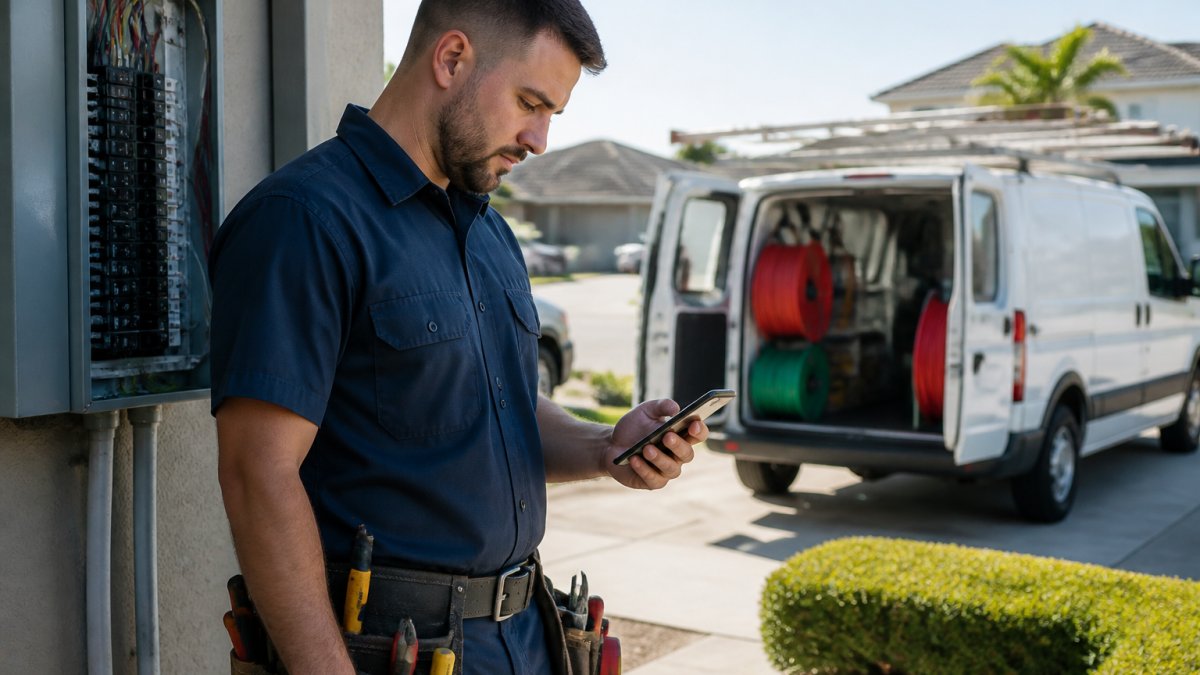
MEPflow was built by a master plumber, a master electrician, and an HVAC technician. The platform consolidates scheduling, estimates, and invoicing in one app and enables users to invoice before leaving the job site.
What sets it apart for electrical work:
- Three schedules in one. Three schedules are in one.
- Customer texting built in. Customer texting is built in.
- Job costing that reconciles. Job costing reconciles.
- Offline-first design. Weak signal in a basement or a new construction shell does not stop you from finishing the invoice.
MEPflow is a mobile-first field service platform that consolidates scheduling, estimates, and invoicing in one app.
Best for: electrical contractors with 2 to 30 trucks who want estimates, scheduling, and invoicing in one place. Skip if: you are a solo electrician who only needs a bare-bones invoice.
QuoteIQ, Joist, and Invoice Simple: Invoicing-First Apps for Electricians
These three sit in the middle of the market. Each handles the invoice competently and each asks you to give something up.
QuoteIQ bundles invoicing with online payments, AI estimating, scheduling, and job photos for $29.99 per month, fair for a contractor who wants several tools under one login. The catch: the plan breakdown is not clearly published, so confirm users, the monthly invoice cap, and whether card processing is bundled before you commit. Ask two questions before you sign: what percentage comes out of each card payment, and how many business days until payout hits your bank. Those numbers decide whether a $29.99 plan beats a $0 plan with a higher processing rate. Determining if these integrated features provide enough value to justify the monthly cost requires weighing the efficiency of contractor software versus spreadsheets to ensure your administrative overhead remains profitable.

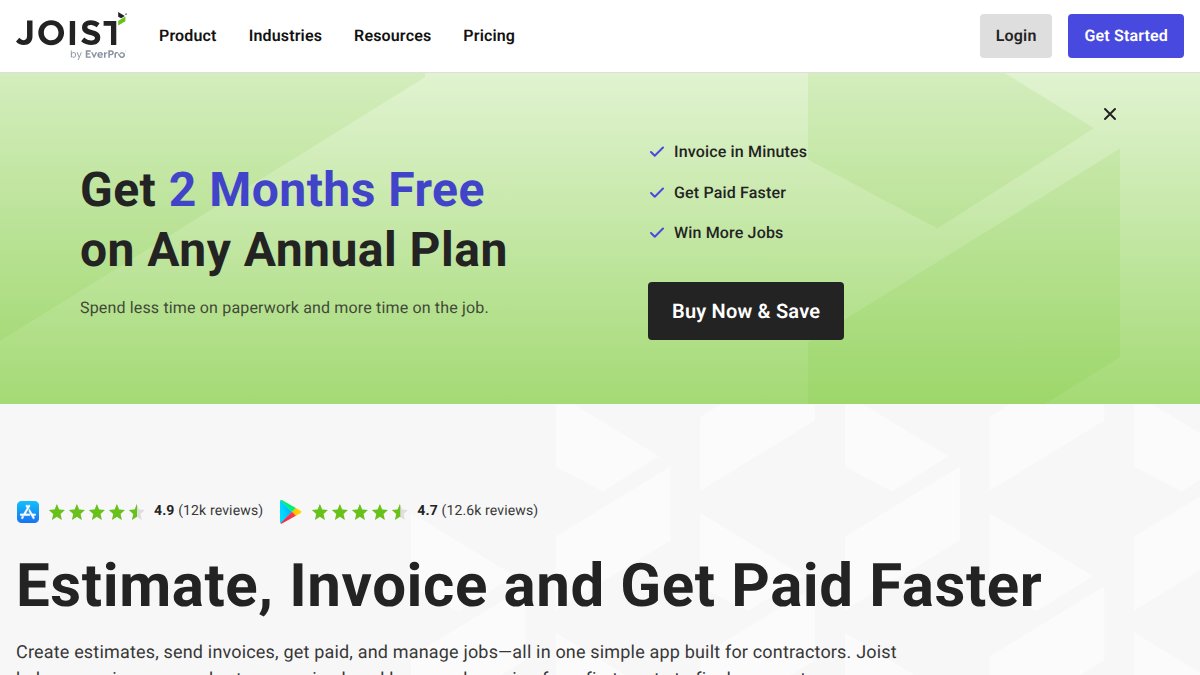
Joist is the budget pick at $8 per month with a free tier underneath it. It creates estimates and invoices and keeps the workflow simple, which suits a self-employed electrician billing a handful of jobs a week. The ceiling: Joist is not built for job costing or multi-crew dispatch, so a growing shop will outgrow it. The free tier is genuinely usable for a solo operator but typically caps monthly invoices and payment methods. If you take cards on site, check the processing rate before assuming $8 is the whole cost.
Invoice Simple does one thing well: build an invoice on your phone, send it, move on. No learning curve, no setup. The tradeoff is that it knows nothing about electrical work, no panel schedule, no change order trail, no labor breakdown. It is also the least transparent of the three on price, with plan tiers and processing terms not stated up front, so read the checkout page carefully. For a one-truck electrician who bills by the hour and rarely issues change orders, that simplicity is the point. For anyone who needs a deposit before ordering gear, it is the wrong tool.
| App | Stated Monthly Price | Free Tier | Payment Processing | Payout Timing | User / Invoice Limits |
|---|---|---|---|---|---|
| QuoteIQ | $29.99/month | No | Confirm rate at signup | Confirm at signup | Confirm plan limits |
| Joist | $8/month | Yes | Confirm rate at signup | Confirm at signup | Free tier caps invoices |
| Invoice Simple | Not stated | No | Confirm rate at signup | Confirm at signup | Confirm plan limits |
Best for: QuoteIQ suits a contractor who wants estimating and invoicing under one login and will verify plan details. Joist suits a solo electrician billing a handful of jobs a week. Invoice Simple suits a one-truck operator who wants the fastest possible invoice and nothing else. Skip if: you need deposits, change orders, or job costing, none of these three were built around electrical work.
Free Electrical Invoice App Options: Wave, Square Invoices, and Zoho Invoice
A free electrical invoice app is one option to consider when evaluating mobile invoicing.
Wave pairs free invoicing with basic accounting, which helps at tax time. It is built for small service businesses generally, not for field service, so offline behavior and dispatch are not its strength.
Square Invoices is the fastest path from "job done" to "card charged." If your customers already expect to tap a card, this is a low-friction choice. What it lacks is any real job management layer.
Zoho Invoice is free and connects to a broader suite if you grow into it. The interface assumes an office workflow more than a truck workflow.
What Electrician Invoice Software Needs to Handle in the Field
When evaluating electrician invoice software, consider how it fits field work. Below are workflows to assess when choosing an app for a service call.
Offline access that actually syncs. When evaluating an app, check which tasks work offline and what happens when the connection returns.
Deposits and progress billing. When evaluating an app, check whether it supports deposits against estimates and invoicing the remaining balance.
Change orders that flow to the invoice. When evaluating an app, check whether it can attach approved added work to a job and include it on the invoice.
Service-call fees and trip charges. When evaluating an app, check whether it supports separate line items for fees and labor.
Labor and materials split out. When evaluating an app, check whether it can separate labor, materials, and tax categories on an invoice.
Tax handling on mixed charges. When evaluating an app, check how it handles tax settings for line items and categories.
On-site payment by card, ACH, or payment link. When evaluating an app, check which on-site payment methods and payment-link options it supports.
Text or email delivery from the same screen. When evaluating an app, check how it supports sending invoices and confirming delivery.
Reminders and late-payment follow-up. When evaluating an app, check whether it supports payment reminders and whether they are included.
Data export and integrations. When evaluating an app, ask about data export and integrations with the tools you use.
Security, permissions, and support. When evaluating an app, ask about user permissions, data security, and support availability.
If you want to see how payment collection works from the job site, invoice payment links for contractors covers deposits and payout timing in detail.
Why an Electrician Estimate and Invoice App Should Be One Tool
A single tool can bring estimates and invoicing together. MEPflow consolidates estimates and invoicing in one app.
The same logic applies to the whole paper trail. If you want to see how approved estimates convert into invoices without retyping, the estimate to invoice workflow walks through it step by step.
Job Costing Software for Electrical Contractors: The Real Payoff
Job costing can help a contractor assess job profitability. The costs to consider may include labor, materials, parts, and overhead.
MEPflow offers job costing that reconciles. For a deeper look at tracking labor, materials, and overhead per job, electrical job costing breaks down what belongs in a job's true cost.
Start Invoicing From the Truck With MEPflow
Mobile invoicing is one way to manage invoicing from the field.
MEPflow was built by tradespeople for tradespeople and puts the invoice where the work happens. Three schedules in one keeps crews moving, customer texting keeps clients informed without a phone call, and job costing that reconciles tells you which jobs are worth taking again. Invoicing before you leave the job site means the money starts moving the same day.
If you run 2 to 30 trucks and want to explore the platform, test MEPflow's mobile field service software.
Get started with MEPflow.
Frequently Asked Questions
What is the best invoicing app for electricians?
The right pick depends on whether you need standalone invoicing or a full field service workflow. MEPflow is a mobile-first field service platform that consolidates scheduling, estimates, and invoicing in one app. It was built by a master plumber, a master electrician, and an HVAC technician, and enables users to invoice before leaving the job site.
Which invoicing apps let electricians create and send invoices from a phone?
MEPflow is mobile-first and enables users to invoice before leaving the job site. Before committing to any app, check that it fits your shop's needs.
Are there free invoice apps for electricians?
MEPflow offers a free plan. Check MEPflow's website for current pricing and plan details.
Can an invoicing app track estimates, expenses, and job costs?
MEPflow combines estimates and invoicing with job costing that reconciles.
What is the difference between invoicing software and field service software?
Invoicing software focuses on invoices, while field service software can bring multiple business workflows together. MEPflow is a mobile-first field service platform that consolidates scheduling, estimates, and invoicing in one app, with built-in customer texting and job costing that reconciles.
The hardest part of mobile invoicing is not picking an app. It is changing the habit of billing from the office. MEPflow makes that change easy because the invoice is already half-built the moment you write the estimate. Start free and see how it fits your shop.

Where to next
- See what MEPflow doesScheduling, estimates, dispatch, invoicing and job costing in one app.
- Create your company accountSet your shop up in a few minutes. No card to start.
- Plumbing Field Service Software: How the Options CompareMore from the MEPflow blog
- Best Service Dispatch Software for Plumbing, HVAC and Electrical ShopsMore from the MEPflow blog