Scheduling for an HVAC Company: A System That Holds Up
How a 2 to 30 truck HVAC shop can schedule service calls, maintenance and emergencies without a whiteboard, and what to expect from scheduling software.

Scheduling for an HVAC Company: A System That Holds Up

A good HVAC schedule comes down to one habit: every call goes through the same steps, and the office and the truck see the same job at the same time. The whiteboard fails when a second dispatcher, a seasonal rush or a no-cool emergency shows up. Below is the routine we recommend for a 2 to 30 truck shop, and where scheduling software earns its place. MEPflow puts scheduling and dispatch, estimates, invoicing and customer texting in one app, so a booked job does not have to be retyped four times.
TL;DR
- Run every call through the same steps: intake, triage, booking, dispatch, field work, closeout and follow-up.
- Triage by urgency first. No-cool and no-heat calls and maintenance members come before routine comfort work.
- Confirm the day before and text the arrival. Most schedule damage starts with a customer who never confirmed.
- Pre-book the next maintenance visit while the tech is still at the house, so the slow season is already filling.
- Pick software the technician will actually use on a phone in the truck, and that keeps working with no signal.
Table of Contents
- Why the whiteboard and spreadsheet break first
- The seven steps from first call to follow-up
- Scheduling maintenance, emergencies and unknown job lengths together
- Confirmations and schedule changes
- What HVAC scheduling software should do for a small shop
- A first-week plan for a shop with no system
- Our perspective
- Put the schedule and the job in one place
- FAQ
- Sources
Why the whiteboard and spreadsheet break first
A whiteboard works while one person holds the whole day in their head. It breaks the first time that person is on the phone, sick or on vacation. A spreadsheet is slightly better, but it still depends on someone copying the job to the technician, then copying the invoice back.
HVAC adds its own pressure. Peak heat and cold bring a flood of urgent calls, maintenance agreements need recurring visits, and a diagnostic can turn into a half-day repair. A schedule has to bend to all of that without losing track of who is where.
The seven steps from first call to follow-up
A small-shop workflow looks the same in most good guides: a call is taken, qualified, scheduled, dispatched, worked, closed out and followed up. Here is how we would run it, and where each step usually goes wrong.
1. Intake: capture the same fields every time
Write down the customer name, service address, a callback number, the equipment (make, age, system type if known) and the symptom in the customer’s words. The failure here is a vague note like “AC not working” that sends a tech out without the right parts. If the customer already exists in your system, the history should come up while you are still on the phone. When you move to MEPflow, we import your existing customer and job data for you, so that history is there from day one.
2. Triage: decide how urgent it is
Sort every call into three buckets: emergency (no heat in freezing weather, no cooling in extreme heat, a vulnerable person in the home), same-week repair, and routine. During a summer rush, one contractor described giving priority to preventive-maintenance members first and then no-cool calls, especially for homeowners with medical conditions. Another uses an emergency-room style approach in which urgent calls come first, routine comfort jobs may slip a day or two, and mid-priority problems get a temporary fix until the full repair.
The failure to avoid is triage by whoever called loudest. Write down your rule once so every office person applies it the same way. Our emergency dispatch protocol covers how a small shop can handle the after-hours version.
3. Booking: commit a date, a window and a capacity
A booking is a promise that a specific tech has the hours to keep. That means counting drive time, not just time on site. Capacity math from the slow-season side shows the idea: a heating tune-up might take about 75 minutes on site plus 30 minutes of drive, and with roughly 150 available field hours a month, filling three technicians through January takes around 255 pre-scheduled visits. Do that arithmetic for your own job types and your own crew, and you know how many slots you can sell.
Give customers a window rather than a single time, and cap the booked hours per tech so a long diagnostic has room to run over. Hold one slot per tech per day open until the day before if you can. It is cheap insurance for the day that goes sideways.

4. Dispatch: match the job to the tech and the truck
Dispatch is not just “who is closest.” It is who has the skills for the equipment, what is on the truck, and how the route stacks. A good dispatcher trains to prioritize the schedule and minimize unnecessary drive time, and the tech should see the job, address, notes and customer history on the phone, with an acknowledgment back to the office. If you are still texting addresses, you are one missed message from a no-show. We go deeper in our HVAC dispatching tips for small shops.
5. Field work: record the job where it happens
The schedule is only as good as what comes back from the job: findings, photos, the customer’s authorization, parts used and status. HVAC techs lose the most time when they have to finish the paperwork at night. Mobile-first software lets them log it while standing at the unit. MEPflow works offline, so photos, materials and job status sync when signal returns, which matters in a basement mechanical room or a rural attic.
6. Closeout: invoice before the truck leaves
A job is not finished until the customer has an explanation, an invoice and a next step. Sending an invoice with an instant payment link from the job shortens the gap between work done and cash in. The next step is often the next maintenance visit, which brings us to the part most shops skip.
7. Follow-up: someone owns the open items
Open estimates, declined repairs, parts on order and warranty questions all need a named owner. Slow-season advice is to log every declined repair with the date, address, exact repair, quoted price and reason for decline, review the file weekly with one person responsible, and call those customers when the board is thin. A schedule that only handles new calls leaves that money on the table.
Scheduling maintenance, emergencies and unknown job lengths together
The hardest part of HVAC scheduling is that three kinds of work compete for the same technician hours.
| Work type | How to schedule it | Common mistake |
|---|---|---|
| Emergency (no heat, no cool) | Triage first, send the closest qualified tech, text the arrival time | Letting it blow up the whole day with no re-promise to other customers |
| Maintenance and tune-ups | Book in blocks ahead of the season, pre-book the next visit on site | Waiting for customers to call you |
| Repairs and installs | Give a longer window, cap booked hours per tech | Booking the tech to the minute on a job with unknown length |
Make maintenance the backbone
Maintenance agreements give a contractor more efficient scheduling, steady revenue and work in down periods. One contractor interviewed books the next visit before finishing the current one by asking the customer what a good day is six months out, so the calendar and staffing are known in advance. Companies that plan seasonal tune-up plans around spring and fall show the same pattern: the visit is on the calendar before the heat or the cold arrives. Our 30-day preventive maintenance scheduling pilot lays out a way to start without rebuilding everything.
Plan for the job that runs long
You cannot know how long a diagnostic will take, so plan for it. Leave a gap after every repair slot, make it bigger in peak season, and decide ahead of time which job gets bumped if a tech runs over. If you do that in your head, it only works when you are in the office. Written into the schedule, it works for everyone.
Confirmations and schedule changes
Most no-shows are not mysteries. They come from a customer who never confirmed, a window that was too vague, or no backup plan. A simple three-text rhythm covers it: a confirmation when the job is booked, a reminder the day before that lets the customer confirm or reschedule, and an arrival text the morning of. One contractor interviewed confirms every demand call the day before because eager customers often schedule more than one company. If a customer does not answer the night before, treat that as a signal and call them.
When the day changes, tell people right away. A tech running 40 minutes late should not mean three angry callbacks to the office. Our guide to text appointment reminders shows how a small shop can set the messages up. MEPflow includes customer texting and arrival notifications in the same app the dispatcher schedules from.
One caution: texts that only remind a customer of a service appointment or explain how to reschedule are different from marketing texts, and marketing texts have stricter consent rules under the federal Telephone Consumer Protection Act. If your messages mix the two, ask your attorney how the rules apply to you.

What HVAC scheduling software should do for a small shop
Software is worth it when it removes retyping and lets the office and the field work from the same record. For a 2 to 30 truck shop, we would look for these things:
- One job record. The call, the schedule, the estimate, the invoice and the cost all live on the same job.
- A phone-first technician view. If the tech can’t use it in the truck, they won’t, and the office goes back to guessing.
- Offline use. Signal drops in basements, attics and rural calls, and the job should still be recorded.
- Customer texting. Confirmations and arrival notices go out from the schedule, not from someone’s personal phone.
- Estimates and invoices from the job. Good/Better/Best options with photos, and a payment link at closeout.
- Fleet visibility. Seeing where trucks are lets the dispatcher make a smarter call on an emergency.
- Accounting and reporting. QuickBooks integration and job costing so you know which jobs made money.
That last point is where many shops outgrow a simple calendar app. A booking tool can fill slots. It cannot tell you that a job you scheduled tightly lost money on labor and materials. If you are thinking about the whole operation, how to improve field service efficiency and how to reduce field service scheduling time go through the changes that pay off first.
If you are switching from Housecall Pro, ServiceTitan or Jobber
Many shops we talk to already have software and are tired of paying for features by tier or of a tool built for a much bigger or much smaller company. Switching is mostly about your data and your people. Make a list of your customers, open jobs, recurring maintenance and pricebook, and pick a quiet week to cut over. MEPflow imports your existing customer and job data for you, and it is month to month with no contract and no setup fee.
A first-week plan for a shop with no system
- Write your triage rule. Three buckets, one page, posted where the office can see it.
- List your job types and typical durations. Include drive time. This is your capacity.
- Set a daily booked-hours cap per tech. The gap is your buffer.
- Choose your confirmation texts. Booking, day before, morning of.
- Assign an owner to follow-ups. Declined repairs and open estimates get a weekly review.
- Pre-book the next maintenance visit on every tune-up you finish.
- Move it all to one app so the tech and the office see the same job.
Our perspective
We built MEPflow because the three of us, a master plumber, a master electrician and an HVAC tech, were tired of watching good schedules fall apart between the office and the truck. The plan was never the problem. The problem was that the plan lived in one place and the job lived in another.
That is why we think the schedule should be the same record as the estimate, the invoice and the job cost. When the dispatcher books a call, the tech should open it on a phone, finish it with photos and materials, send the invoice and have the cost land back in the office, all without anyone retyping.
We also think small shops should not have to buy their way into the features they need. Every feature is on every plan, and plans differ only by crew size. We run MEPflow on our own trucks in Rogers, Arkansas before anyone else sees it, because a schedule that does not work on a real call is not worth shipping.
Jonathan
Put the schedule and the job in one place
MEPflow is field-service software for plumbing, HVAC and electrical shops with 2 to 30 trucks. Scheduling and dispatch, Good/Better/Best estimates, invoicing, job costing, customer texting, timeclock and payroll sit in one mobile-first app with a full desktop office side on the same data.
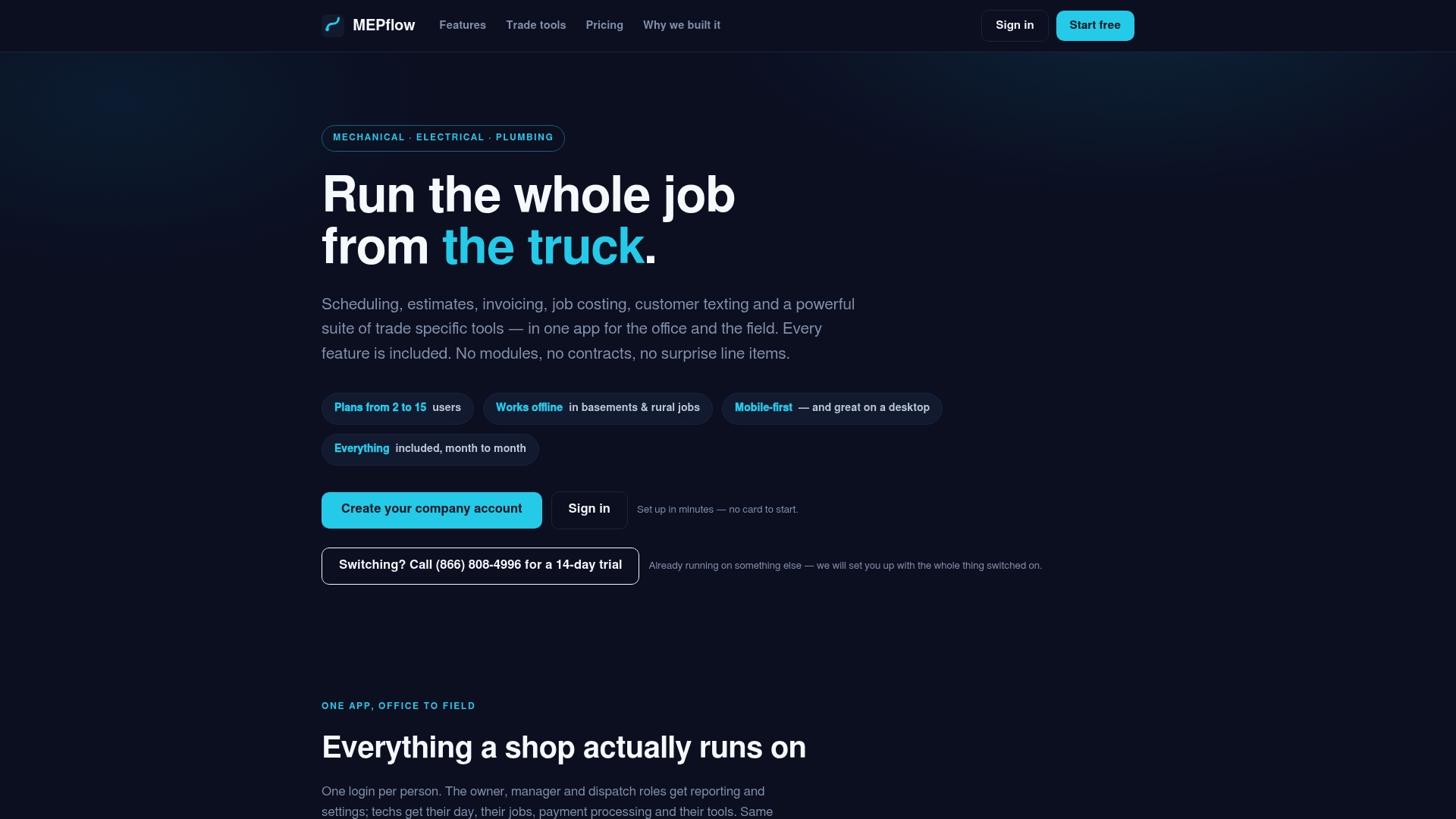
If you want to see it with your own jobs, you can Create your company account, or book the 14-day trial by calling 866-808-4996. For plan details, see the pricing section on the MEPflow home page. Want to see how it holds up on a real job site? Our offline test for mobile field service software walks through what to check.
FAQ
What software do most HVAC companies use for scheduling?
It ranges from whiteboards and spreadsheets to full field-service platforms. The right choice depends on crew size and how much of the job you want in one record. For a 2 to 30 truck shop, look for a phone-first app with offline use, texting and job costing included, rather than a calendar alone.
How far ahead should I confirm an HVAC appointment?
Confirm when the job is booked, again the day before, and send an arrival text the morning of. The day-before message is the one that matters most, because it gives you time to call a non-responder and refill the slot if needed.
How do I schedule HVAC maintenance without overloading the crew?
Book tune-ups in blocks ahead of the season and pre-book the next visit before the tech leaves the house. Work out how many visits your technicians can do per month, counting drive time, so you never sell more than the crew can run.
How should I handle an emergency call when the day is already full?
Triage first. A no-heat or no-cool call in extreme weather goes to the closest qualified tech, and the customers who move get a text with a new window right away. Decide in advance which routine jobs can slip a day.
Sources
- ACHR News: 5 Ways HVACR Contractors Can Maximize Efficiency During the Summer Rush
- ACHR News: Contractors Share Maintenance Agreement Best Practices
- ACHR News: Creating Documents May Take Time, But It’s Not a Waste of Time
- ServiceMag: The Slow-Season Plan
- ClimaCall: Map Your HVAC Job Workflow from Call to Closeout
Recommended
Where to next
- See what MEPflow doesScheduling, estimates, dispatch, invoicing and job costing in one app.
- Create your company accountSet your shop up in a few minutes. No card to start.
- Best Electrical Contractor Software for Small Shops in 2026More from the MEPflow blog
- Best HVAC Dispatch Software for Small Shops in 2026More from the MEPflow blog