Simple Field Service Software for Contractors: 2026 Comparison
Compare simple field service software for plumbing, HVAC and electrical shops: MEPflow, Jobber, Housecall Pro, Kickserv, GorillaDesk and ServiceTitan.

Simple Field Service Software for Contractors: 2026 Comparison

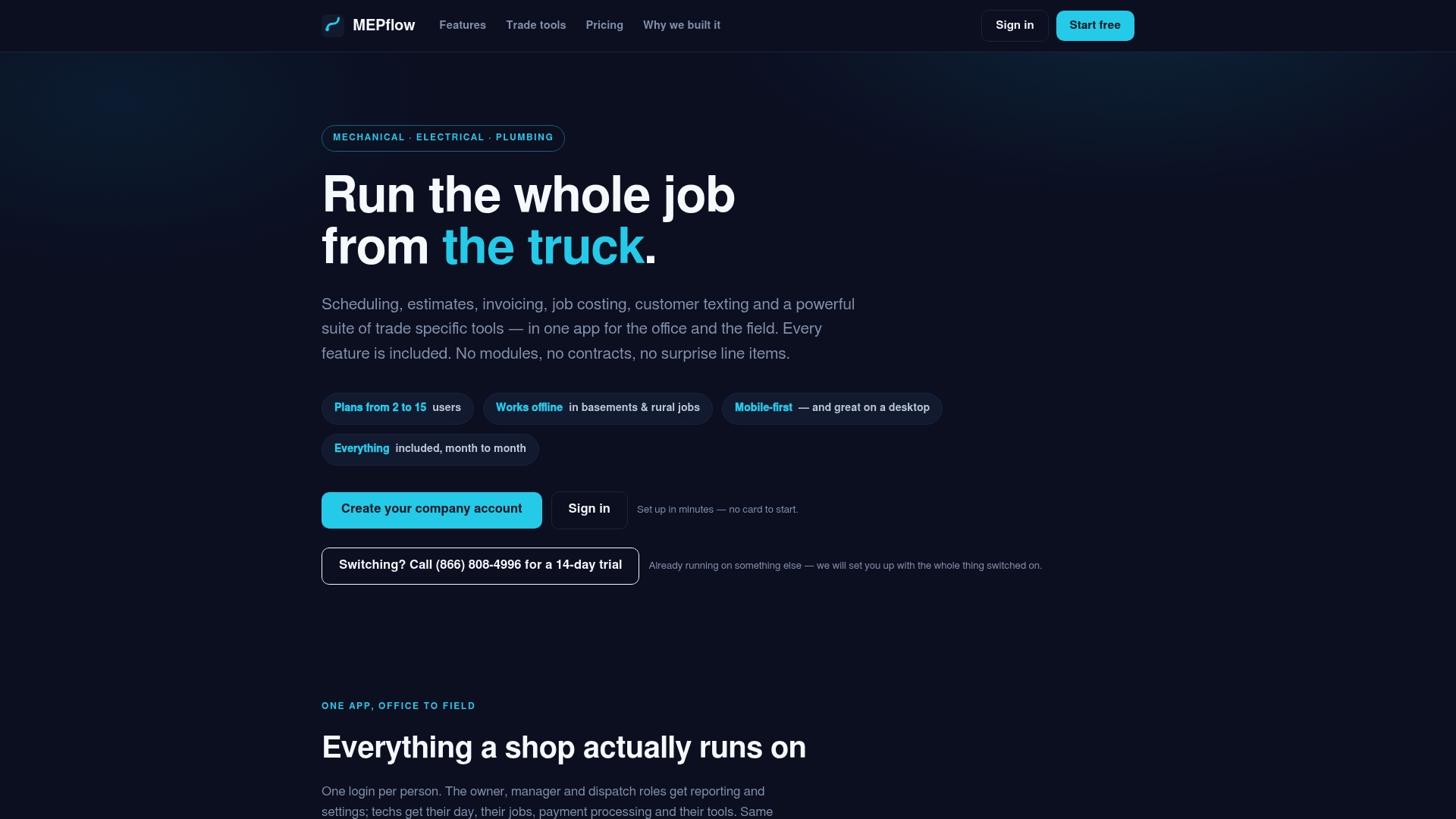
The simplest field service software for a 2 to 30 truck plumbing, HVAC or electrical shop is one app that covers scheduling, estimates, invoicing, job costing and texting without tiers that lock features away. That is how MEPflow is built: every feature on every plan, a phone-first app that works offline, and a full desktop office side on the same data. Below, we compare it with the tools small shops most often shortlist, so you can see what each one covers and what to check before you commit.
TL;DR
- “Simple” for a trade shop means one system for the office and the truck, not a pile of add-ons. Check what is included at the plan you will really use.
- Most tools price by user, and several gate job costing or QuickBooks sync to higher tiers. MEPflow includes all features on every plan, and plans differ only by crew size.
- Offline matters in basements, crawlspaces and new construction. Ask any vendor what the technician can do with no signal, not only view.
- ServiceTitan is quote-only and built for larger operations. Jobber, Housecall Pro and Kickserv publish entry prices, but those prices are for small teams and move up as you add people.
- For MEPflow pricing, see the pricing section. We do not quote numbers in articles.
Table of Contents
- What “simple” should mean for a trade shop
- The options at a glance
- MEPflow: the pick for 2 to 30 truck shops
- Jobber
- Housecall Pro
- Kickserv and GorillaDesk
- ServiceTitan
- Features that decide the choice
- Switching from a spreadsheet, a whiteboard or another platform
- Our perspective
- Try MEPflow with your crew
- FAQ
- Sources
What “simple” should mean for a trade shop
A two-truck plumbing company and a twenty-five-truck HVAC shop do not need the same depth, but they share one problem: the same job gets typed into three places. A call is written on a whiteboard, the estimate is built in a spreadsheet, and the invoice is rebuilt at night. Simple software removes that retyping.
For a shop owner or office manager, we would test any option against six things:
- One record per job. The estimate, the photos, the materials, the invoice and the payment all hang on the same job.
- Phone first. The technician can quote, take photos, add parts and send an invoice from the truck or the basement.
- Offline that works. Changes made with no signal sync when it returns.
- Job costing you can read. Labor, materials and overhead against what you billed, while the job is still open.
- Customer texting. Arrival notices and two-way messages without using personal phones.
- No feature gates. You should not have to move up a tier to get QuickBooks sync or job costing.
The last point is where small shops get surprised. One published comparison notes that on Jobber, QuickBooks sync and job costing sit on higher tiers, and that the single-user entry plan grows quickly in cost once you add people.
The options at a glance
Prices below are the published entry points as reported by third-party trackers in late 2026. Vendors change them, so confirm on each vendor’s own page. MEPflow pricing is on our pricing section.
| Option | Built for | Published entry pricing (as reported) | Worth knowing |
|---|---|---|---|
| MEPflow | 2 to 30 truck plumbing, HVAC and electrical shops | See the pricing section | All features on every plan, offline, trade calculators, per-trade pricebook |
| Jobber | Small home-service teams, solo to small crews | From $49/mo, or $29 billed annually, for 1 user | Extra users cost more; QuickBooks sync starts above the entry plan |
| Housecall Pro | Home-service shops including plumbing, HVAC and electrical | From $79/mo for 1 to 8 seats | Price book and job costing on the entry plan; offline is viewing |
| Kickserv | Small field teams | $60/mo for 5 users | Mobile app has no offline mode and no two-way texting, per one review |
| GorillaDesk | Route-based service businesses | $49/mo per route | Unlimited free office users |
| ServiceTitan | Larger or custom-workflow shops | Quote only | Sales call required |
Sources for the figures are the Trade Owner’s October 2026 check of vendor sites and the Augmented Trades pricing tracker, which verified Housecall Pro’s entry price in November 2026.
MEPflow: the pick for 2 to 30 truck shops
MEPflow is field service software for plumbing, HVAC and electrical contractors in the United States. One application covers scheduling and dispatch, Good/Better/Best estimates with photos, invoicing with instant payment links, job costing, customer texting, timeclock and payroll, a per-trade pricebook and the trade calculators a technician reaches from the job. It also has live fleet and equipment tracking, KPI and reporting tools and a QuickBooks integration.
Three things set it apart for the shop we are describing.
Every feature on every plan. Plans differ only by how many people are on them, never by capability. You never open a pricing page to find out whether job costing or QuickBooks is in your tier. That is the simplest answer to the “affordable” question too: you pay for crew size, not for unlocking tools.
Built on the trucks. MEPflow was built in Rogers, Arkansas by a master plumber, a master electrician and an HVAC technician, who run it on their own trucks before anyone else sees it. The calculators and code lookups are one swipe from the job, not in a separate app.
Offline by design. Photos, materials and job status sync when signal returns, and the office side runs the same data. If your technicians work in crawlspaces, mechanical rooms and rural calls, our guide on testing mobile field service software offline shows how to check this on any tool.
It is month to month, with no contract and no setup fee, and we import your existing customer and job data for you. Free signup is capped at 5 customers and has no trade tools. If you want to try the full product, the 14-day trial is booked by calling 866-808-4996.
Jobber
Jobber is the name that comes up first for small home-service businesses. A 2026 comparison from Rankite describes it as covering the whole job from first quote to final payment, and it lists quotes, scheduling, invoicing, payments, a client hub and mobile time tracking with GPS timers.
Where a growing plumbing or HVAC shop should look closely is the structure around the plan. Per Trade AI Guide’s November 2026 review, added users cost $29 a month each, annual plans are paid up front, and QuickBooks sync starts above the entry plan. For a five-truck shop with an office person, that adds up quickly. Jobber works well for a solo operator who wants quotes and invoices from a phone. A shop that wants job costing and accounting sync from day one is better matched by a tool where those are always included.
Housecall Pro
Housecall Pro is aimed at home-service contractors, and The Trade Owner picks it as its best choice for plumbing, HVAC and electrical. Its entry plan includes a built-in price book and job costing, plus online booking, dispatch, estimates, invoicing, payments, consumer financing and review management. Rankite notes the mobile app includes offline viewing, which is not the same as creating estimates and adding materials with no signal.
On payments, Trade AI Guide lists card processing from 2.59% and bank payments at 1%, with add-ons such as payroll and voice priced separately and not shown on the pricing page. If you are weighing Housecall Pro against a platform where payroll, timeclock and texting are part of the one subscription, compare the full monthly total, not the entry price.

Kickserv and GorillaDesk
Kickserv uses flat team-size pricing: $60 a month for 5 users on its Start plan, with scheduling, estimates, invoicing, reminders, time and expense tracking and QuickBooks Online. Rankite reports that its mobile app has no offline mode and no two-way texting, which matters for technicians who work out of signal.
GorillaDesk prices per route, at $49 a month, with unlimited free office users, according to The Trade Owner. It suits route-based recurring work such as pool and pest service more than plumbing, HVAC and electrical shops that run emergency calls, install jobs and Good/Better/Best selling.

ServiceTitan
ServiceTitan is quote-only and is generally chosen by larger operations with custom workflows and dedicated staff to run the system. Rankite lists it, with FieldPulse, as quote-only for larger or custom-workflow shops. For a 2 to 30 truck shop that wants to be running next week, a sales call and a long rollout are often the wrong fit. Our guide to ServiceTitan alternatives for small trade shops goes deeper on that move.
Features that decide the choice
Estimates and invoicing from the field
HVAC technicians who struggle with invoicing usually lose time retyping. The cleanest flow turns the approved estimate into the invoice with a tap. Our walkthrough of the estimate to invoice workflow shows what that looks like, and invoice payment links show how the customer pays before you leave the driveway. MEPflow supports Good/Better/Best estimates with photos and invoices with instant payment links.
Job costing
Electrical contractors who want real-time cost tracking need labor hours, materials and overhead tied to each job, not a month-end spreadsheet. Job costing in MEPflow covers labor, materials and overhead. For plumbers, see simple job costing software for plumbers, and for electricians, field service software for electricians. Trade-specific pricing and costing tools matter in every field, which is why software built for a single trade such as fiber and underground utility work looks so different from generic tools.
Scheduling and dispatch
A schedule the whole crew can see ends the whiteboard. The Trade Owner’s framing is that a visible schedule, phone quotes and invoices, online card payments and automatic reminders come before anything else. See also how to reduce field service scheduling time and HVAC dispatching tips.
Switching from a spreadsheet, a whiteboard or another platform
Most owners worry less about the new software than about the move. Before you switch, list the following and ask each vendor about it:
- Customer and job history. Who loads it, and how long does it take? MEPflow imports your existing customer and job data for you.
- Contract terms. Trade AI Guide reports Jobber has a 12-month minimum on monthly plans. MEPflow is month to month, with no contract and no setup fee.
- Pricebook. Does it match your trades, or do you rebuild it by hand? MEPflow has a per-trade pricebook.
- Accounting. Confirm QuickBooks sync is in your plan, not a higher one.
- Texting and payroll. Check whether they are included or separate add-ons.
- Offline. Have a technician create an estimate in airplane mode.
Spreadsheet shops can move in an afternoon of data import. Shops leaving a larger system should plan a week where both run side by side.
Our perspective
Small trade shops do not fail at software because it lacks features. They fail because the tool was built for an office, and the technician quits using it by Wednesday.
We built MEPflow because we are the people standing in a crawlspace with one bar of signal, trying to quote a water heater swap and take photos at the same time. That is why the phone comes first, why offline is part of the design, and why the trade calculators sit one swipe from the job.
We also think you should not have to guess which tier holds the feature you need. Every feature is on every plan, and plans differ only by crew size. A two-truck shop gets the same job costing, texting and pricebook as a thirty-truck shop.
If you are choosing between tools, pick the one your technicians will actually open on every job, and your office will trust at the end of the month.
Jonathan
Try MEPflow with your crew
MEPflow gives a 2 to 30 truck shop one system for the truck and the office, with every feature included. You can see how plans work on the MEPflow site, and pricing is in the pricing section. To book the 14-day trial, call 866-808-4996.
Create your company account
FAQ
What is the simplest field service software for a small plumbing or HVAC company?
The simplest option is one app that does scheduling, estimates, invoicing, job costing and texting with no tier gates. MEPflow is built that way for 2 to 30 truck plumbing, HVAC and electrical shops, with every feature on every plan.
Is there affordable field service software for contractors?
Affordable depends on the total, not the entry price. Per-user fees, add-ons and gated features raise the monthly cost as a crew grows. With MEPflow, plans differ only by crew size, and you can see them in the pricing section.
Does field service software work without cell signal?
Some tools only let technicians view jobs offline. MEPflow works offline, so photos, materials and job status sync when signal returns. Our offline testing guide shows how to check any tool.
Can I move my customers and jobs from another system?
Yes. MEPflow imports your existing customer and job data for you, so you do not retype your history from a spreadsheet, Housecall Pro, ServiceTitan or Jobber.
Sources
- Best Field Service Management Software for Small Business, Rankite
- 6 Best Field Service Software for Small Business (2026), The Trade Owner
- Best Field Service Software for Small Business (2026), Trade AI Guide
- Contractor Software Pricing 2026, Augmented Trades
Recommended
Where to next
- See what MEPflow doesScheduling, estimates, dispatch, invoicing and job costing in one app.
- Create your company accountSet your shop up in a few minutes. No card to start.
- Plumbing Field Service Software: How the Options CompareMore from the MEPflow blog
- Best Service Dispatch Software for Plumbing, HVAC and Electrical ShopsMore from the MEPflow blog